The universal navigation app
All your navigation tools in one app, accessible on all your devices.
Download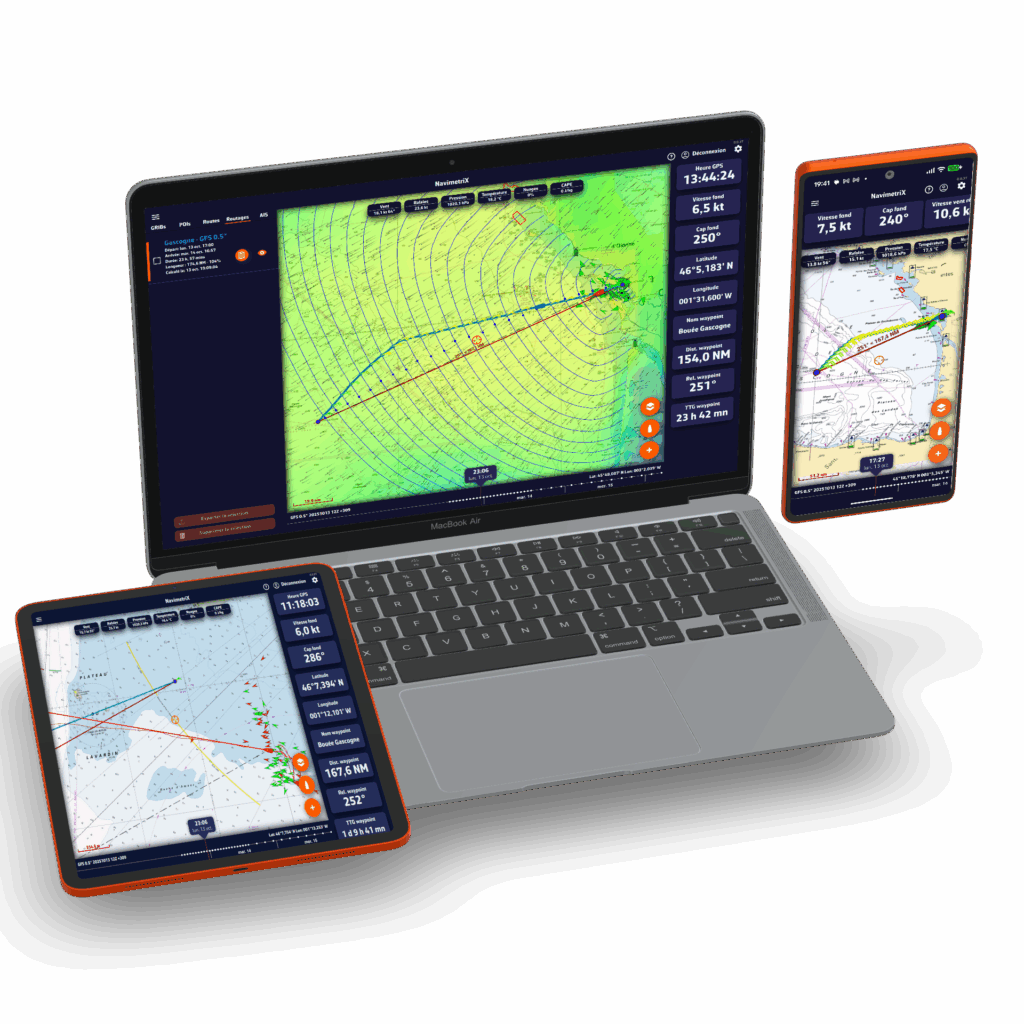
The advantages of NavimetriX

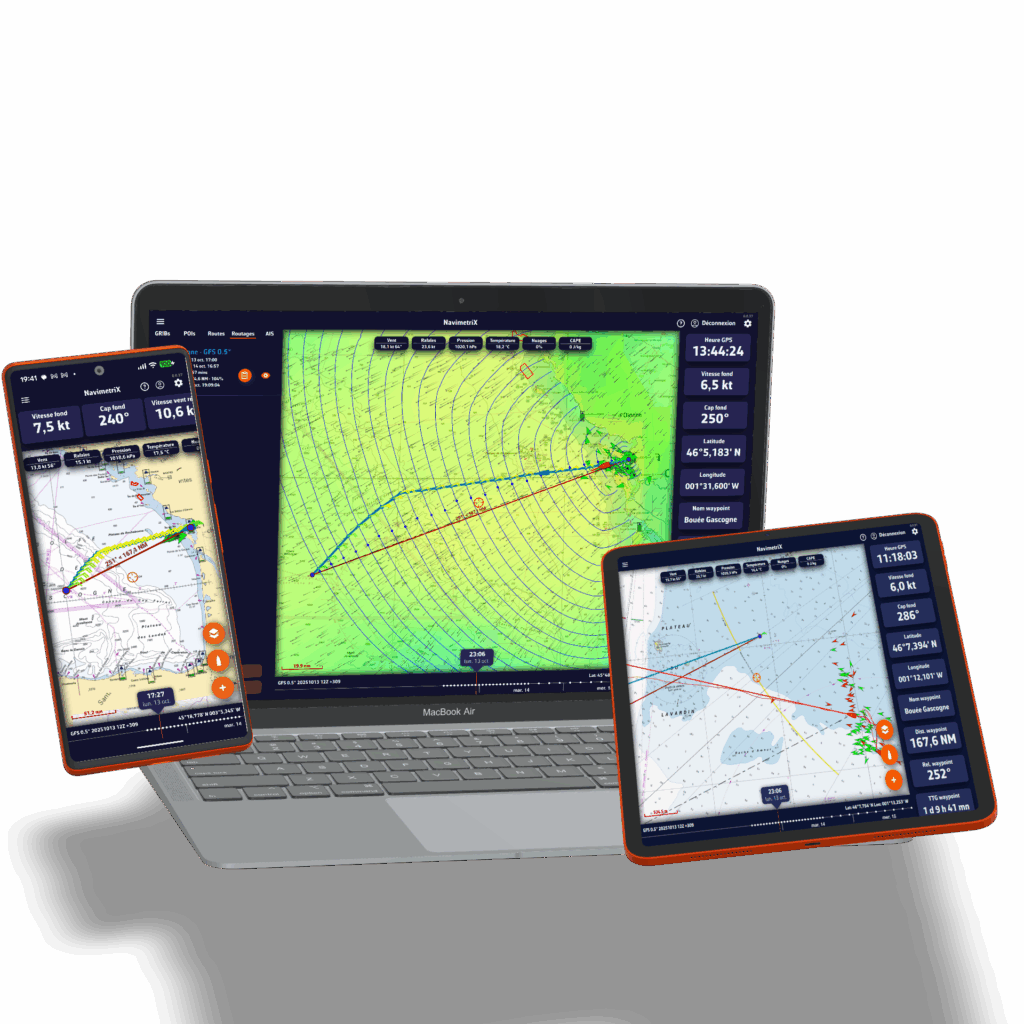
Available for all your devices
Wherever you are — on your boat, at home, on the go, or at the office — prepare your navigation. Once on board, launch the app and set sail!
Try for freeEnjoy the app regardless of the device you use: your settings are saved in the cloud, allowing you to find and update your projects and navigation wherever you are. NavimetriX works on Android, Windows, iOS, and macOS.
With its sophisticated graphics and simple user interface, NavimetriX allows you to plan your route and then follow it quickly and efficiently.
It's hard to find a more comprehensive solution for weather sources, a cutting-edge routing module, and easy-to-use, highly effective navigation tools.
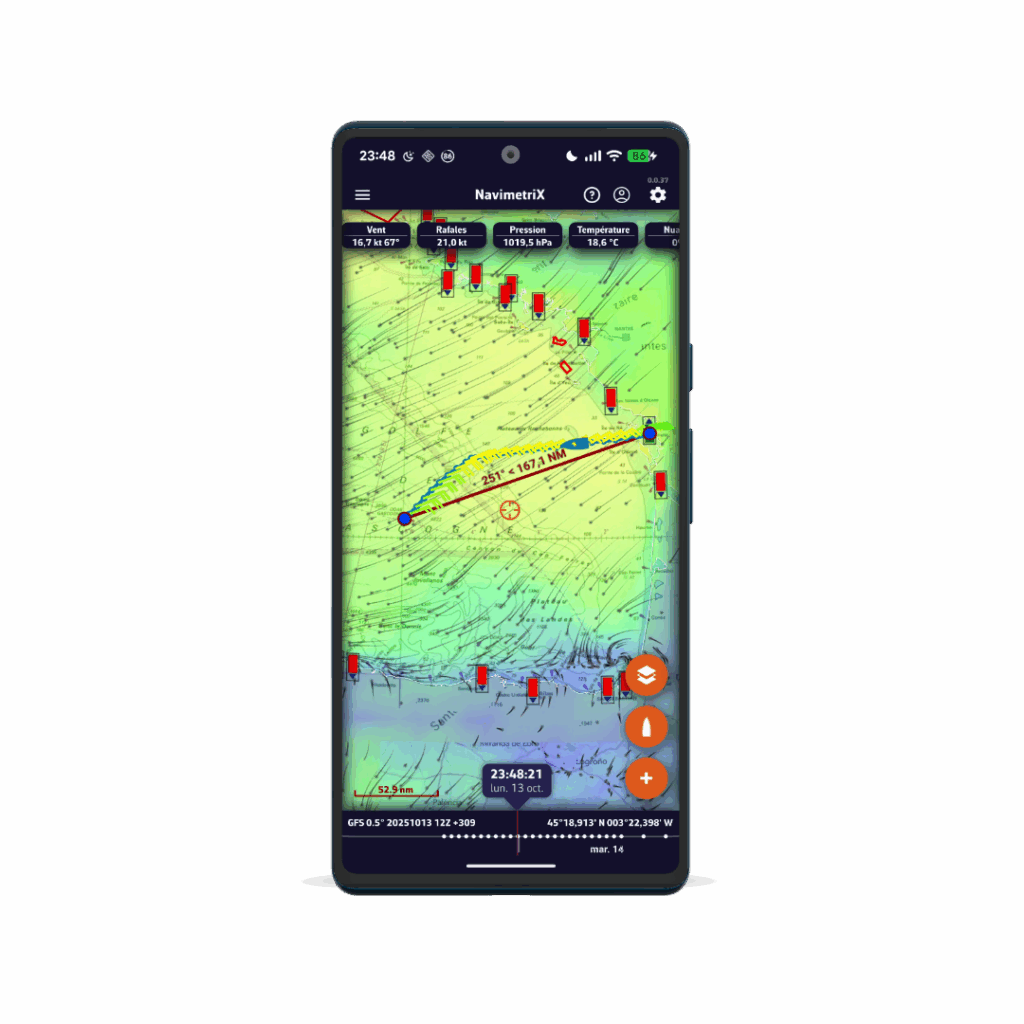
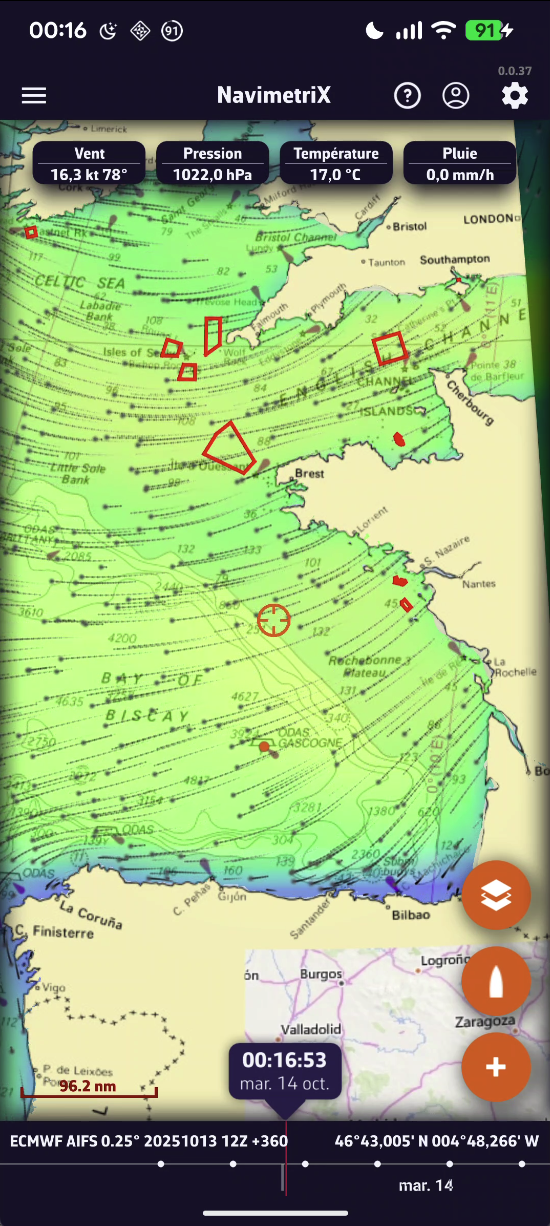
Accurate weather forecasts for all seas
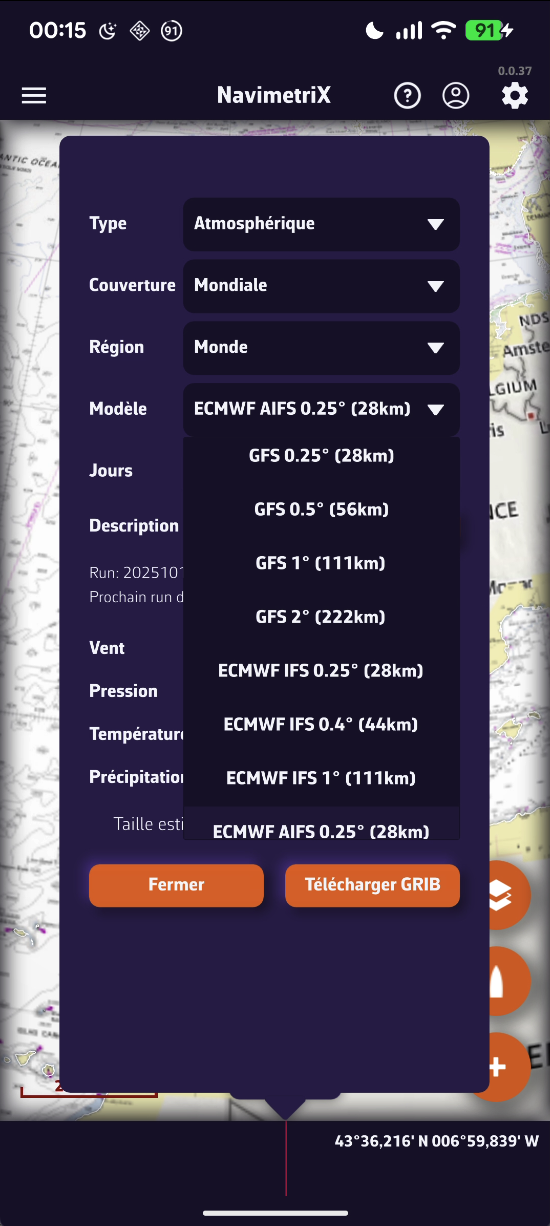
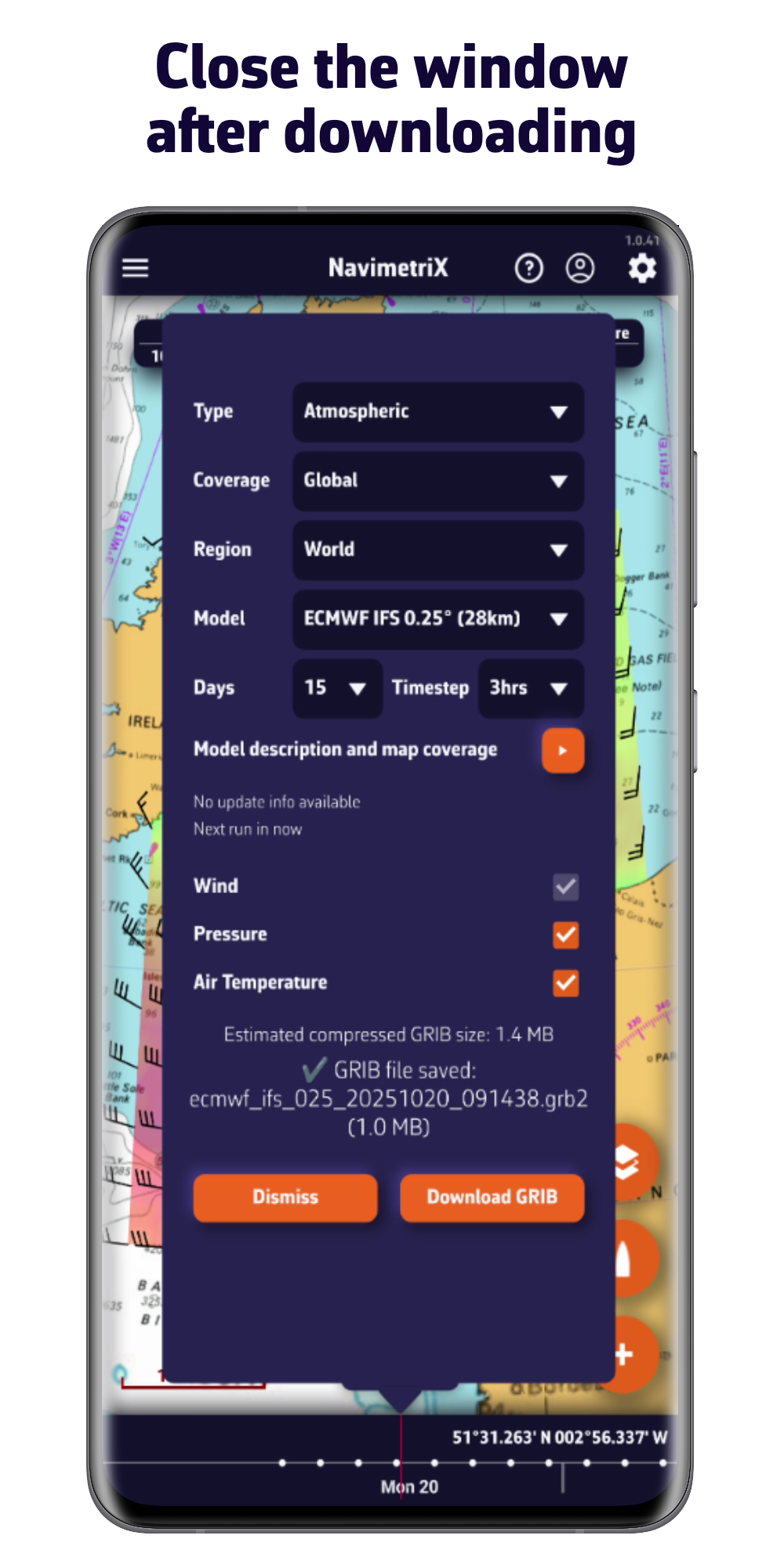
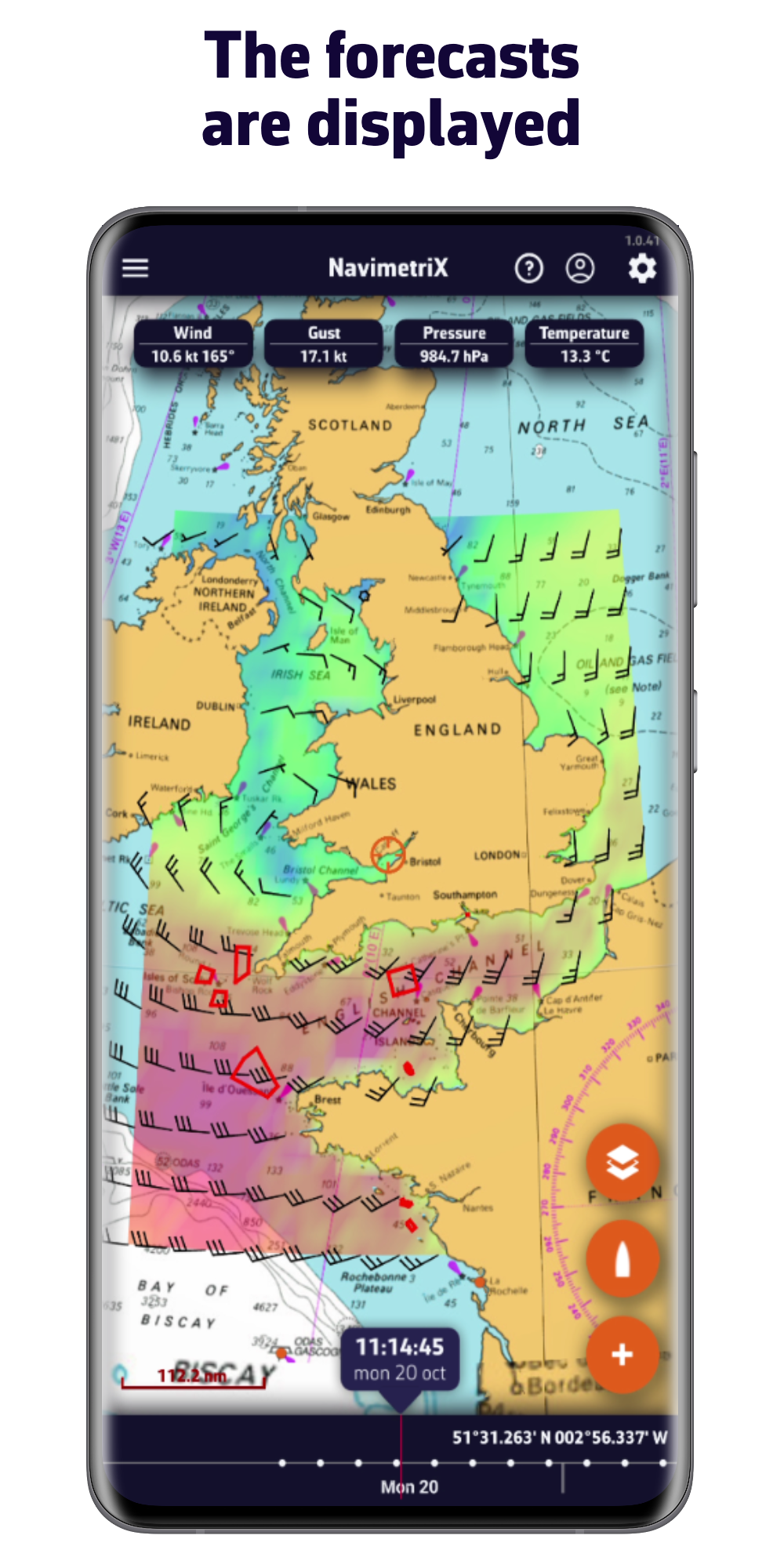
Thanks to its comprehensive library of models, you will always have access to the best forecasts, wherever you are.
- Atmospheric models: wind, gusts, pressure, ...
- Sea state: height, direction, wave period
- Currents: oceanic and tidal
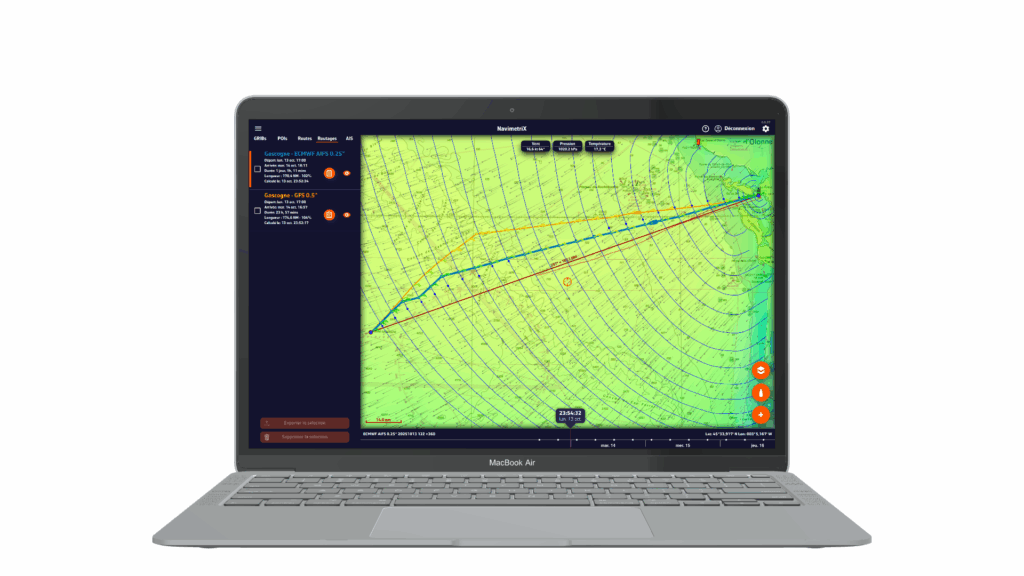
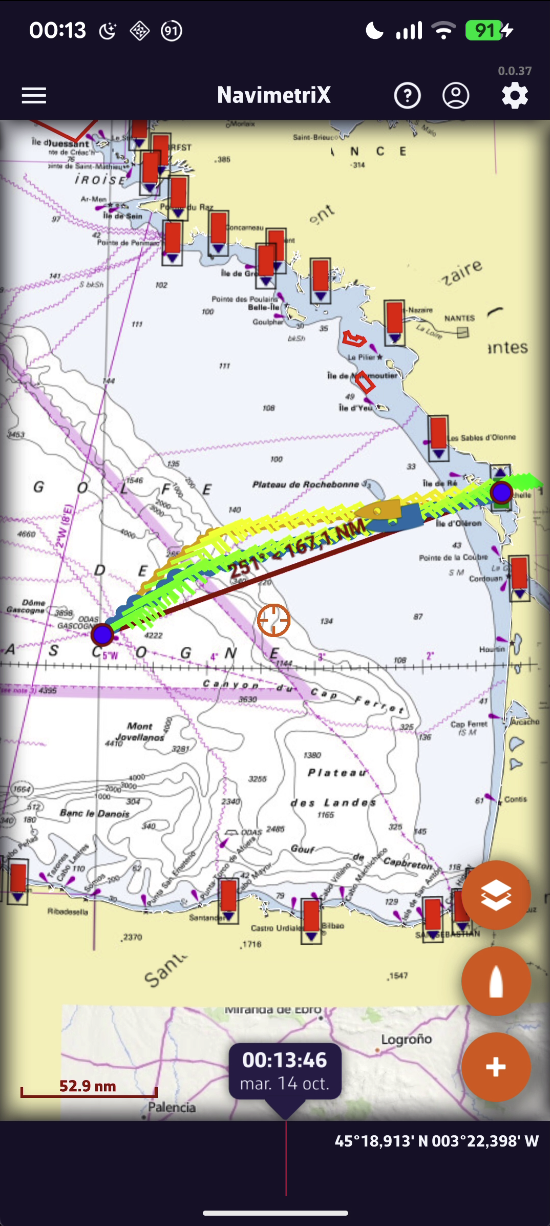
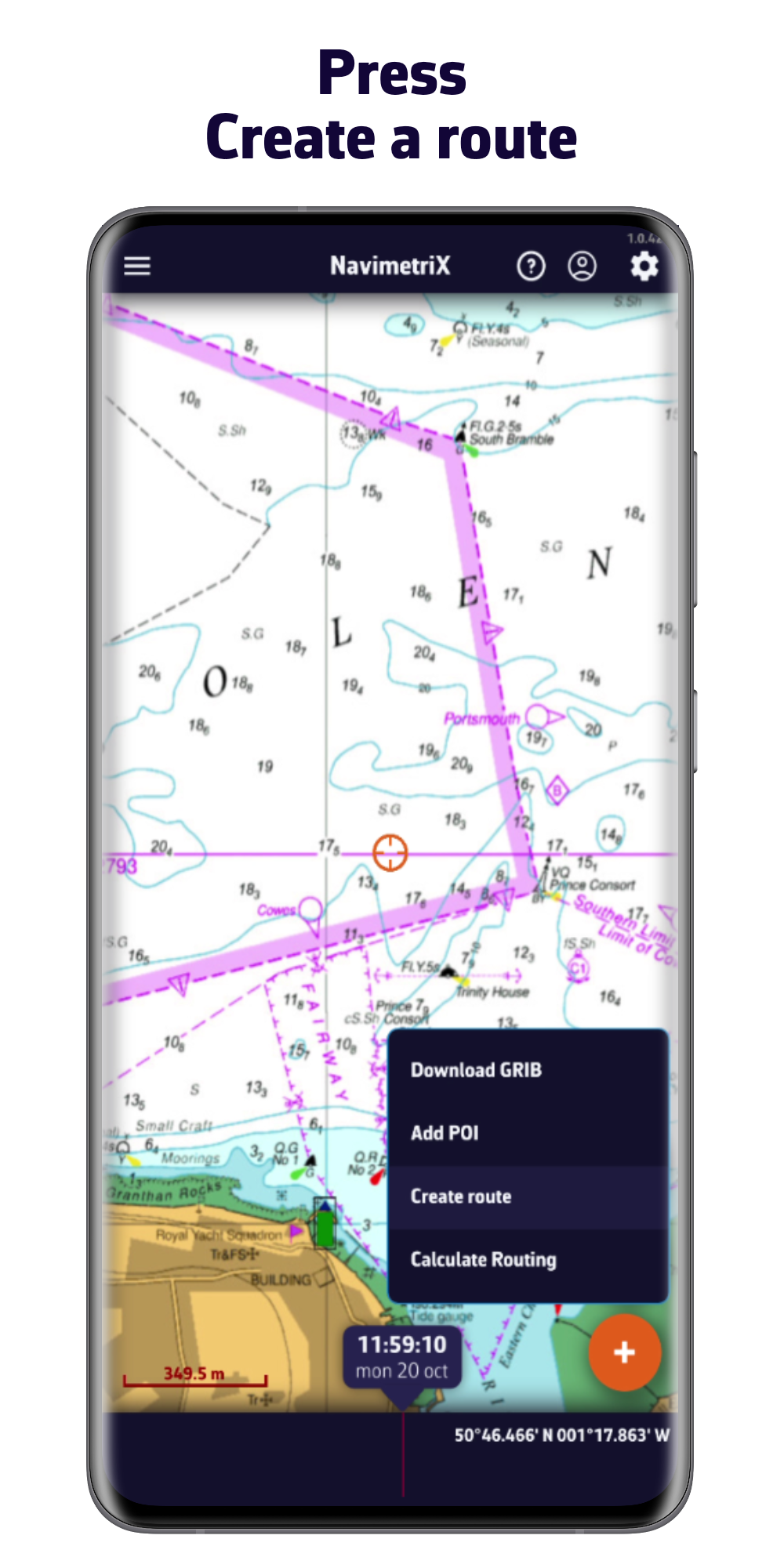
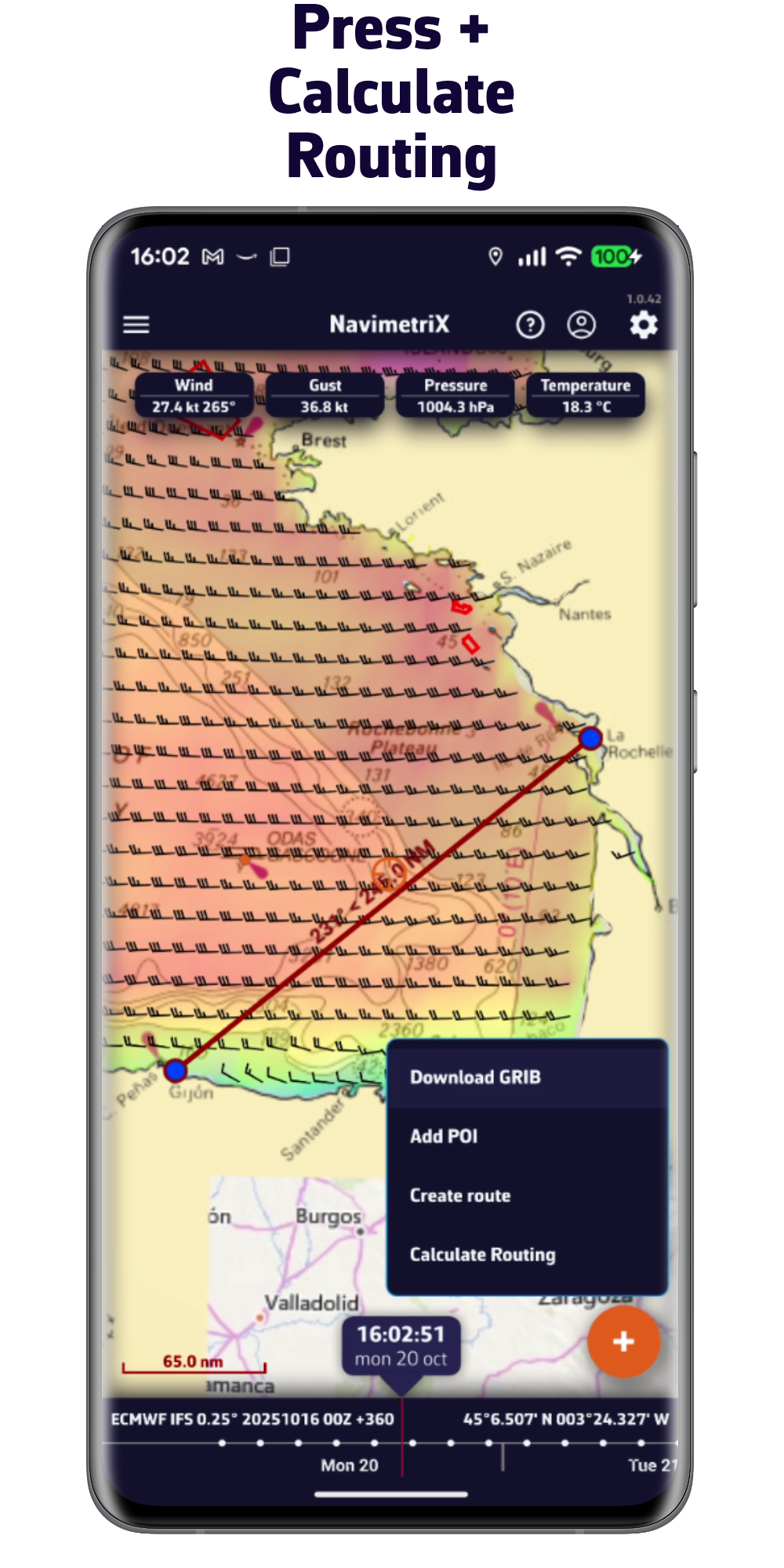
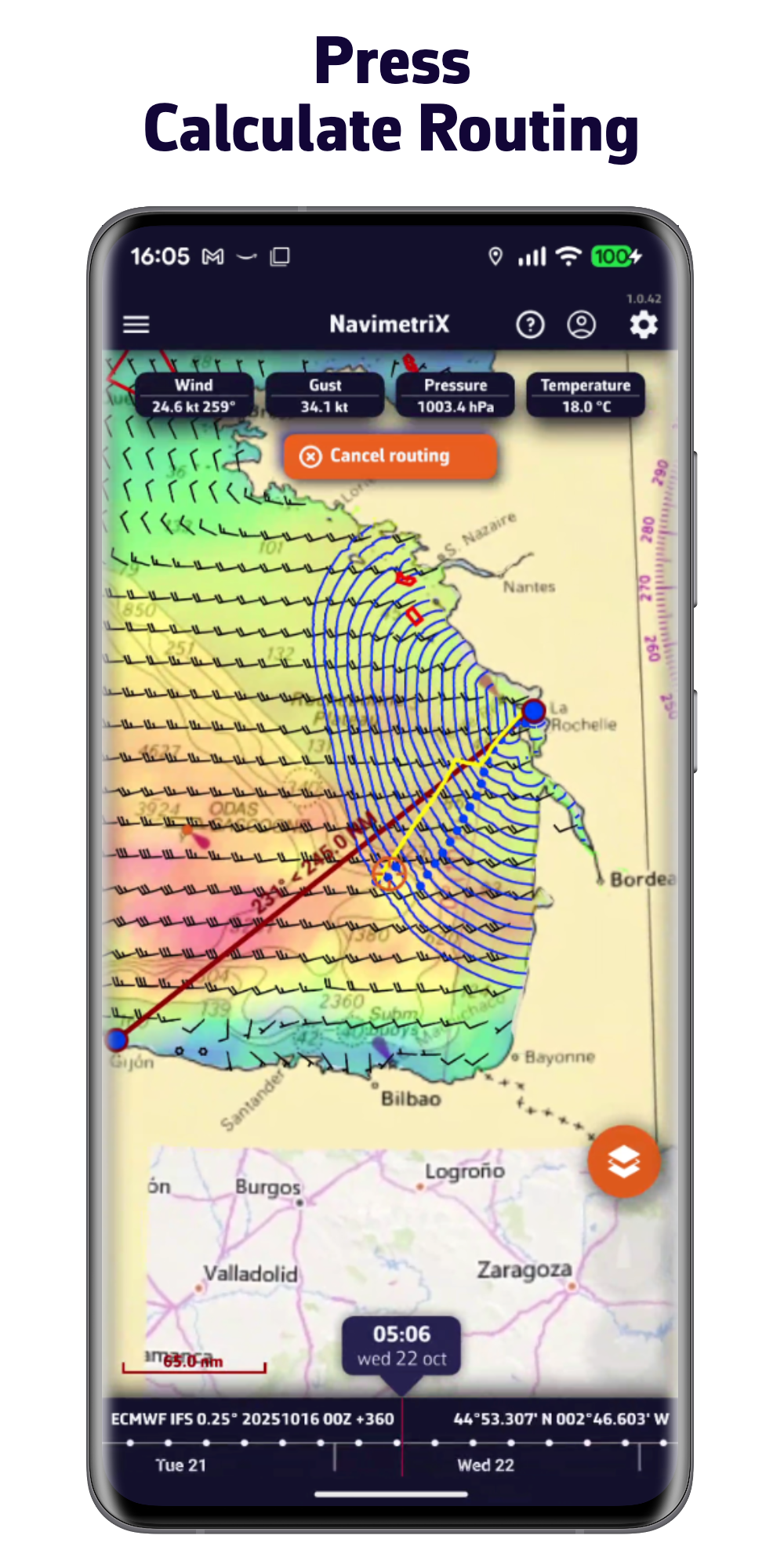
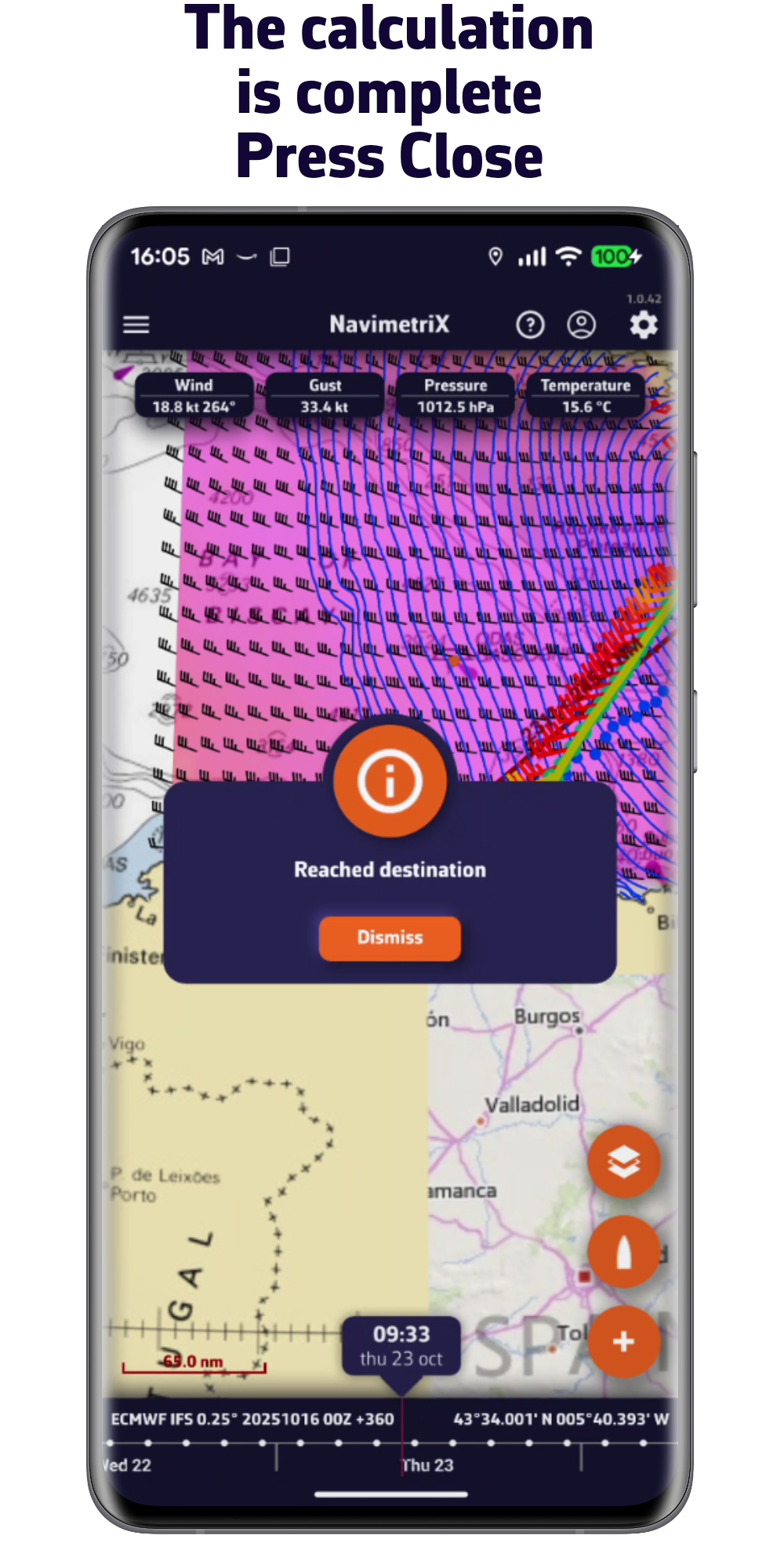
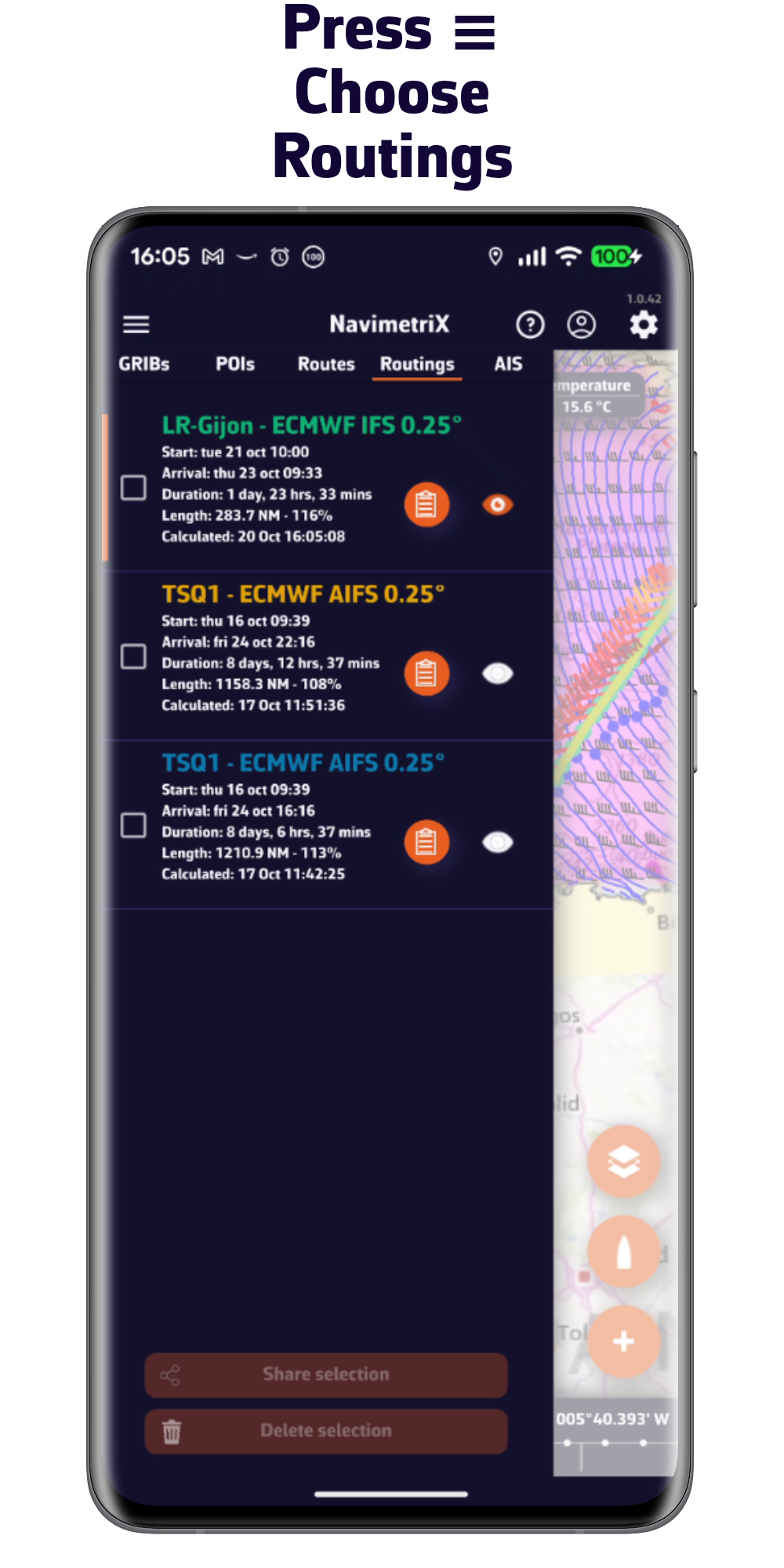
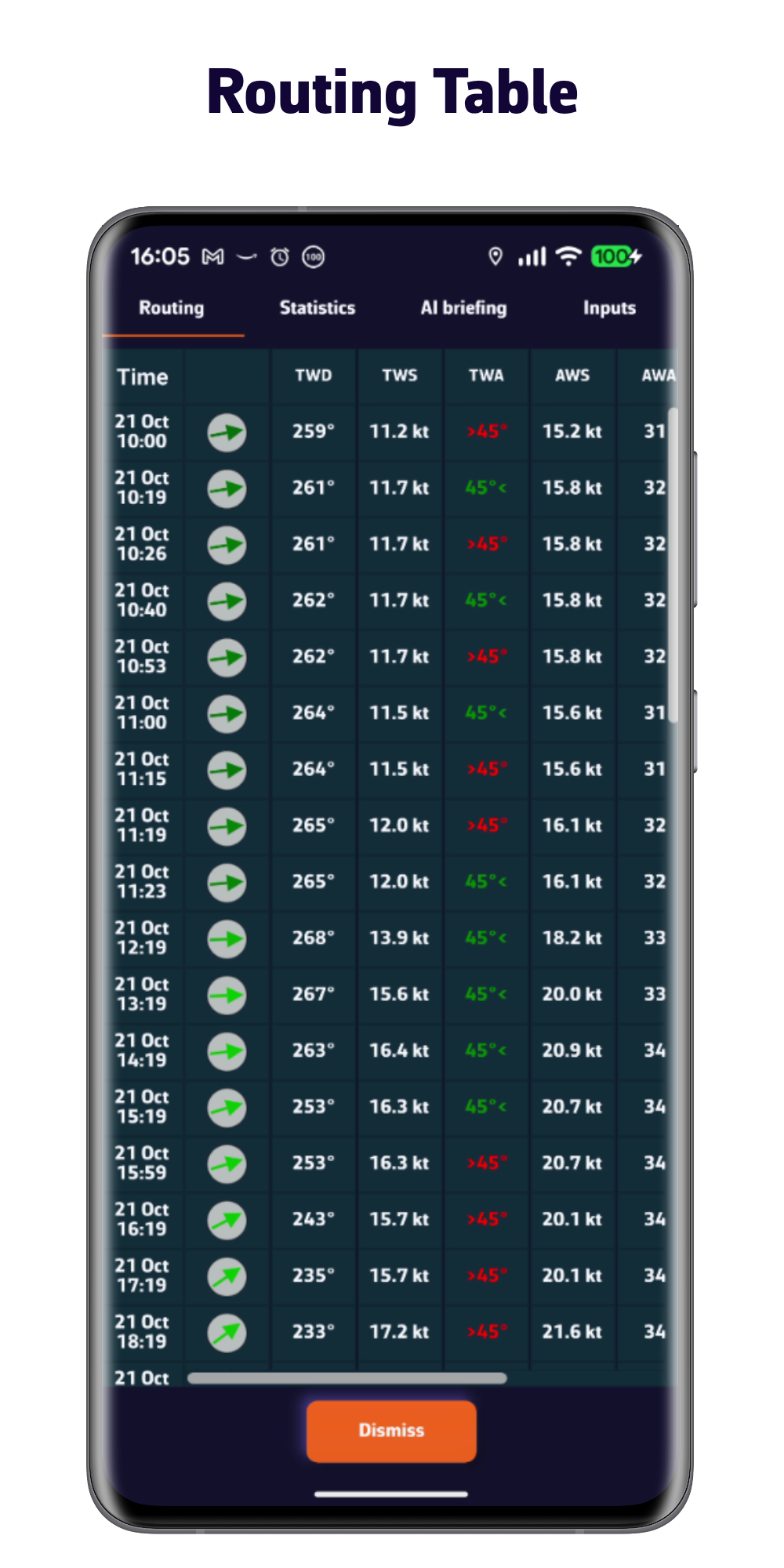
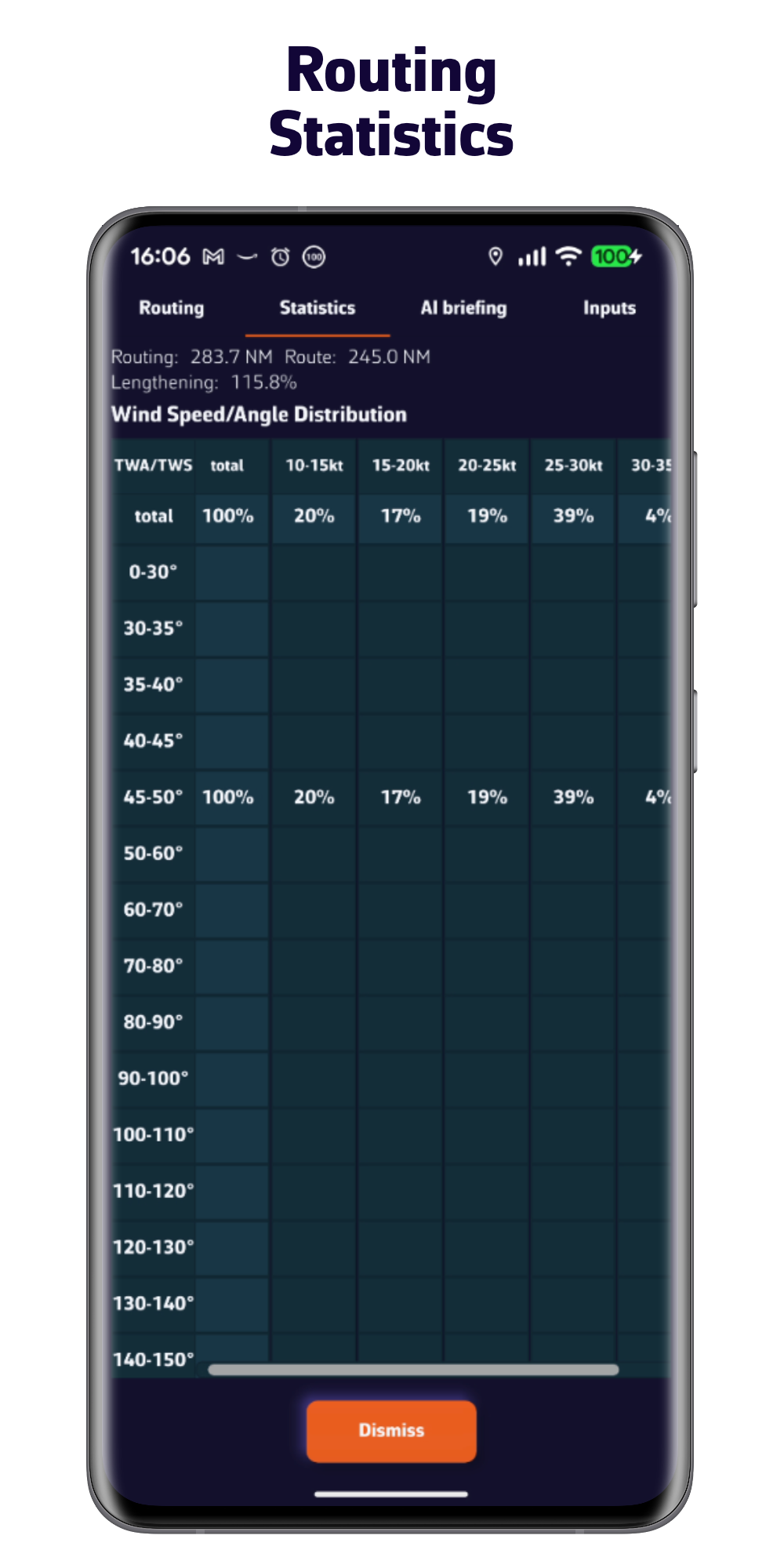
Optimize your route quickly and easily
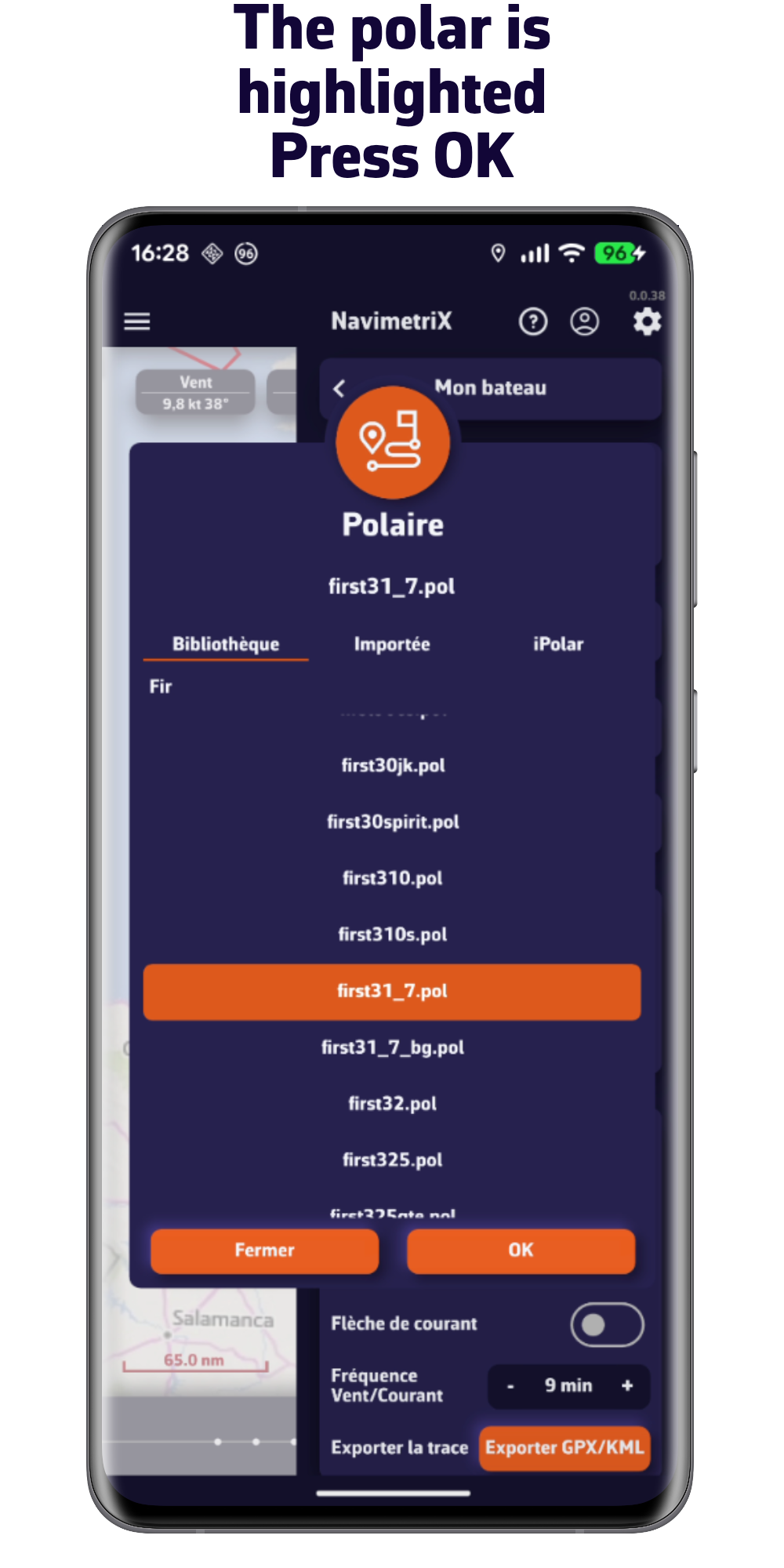
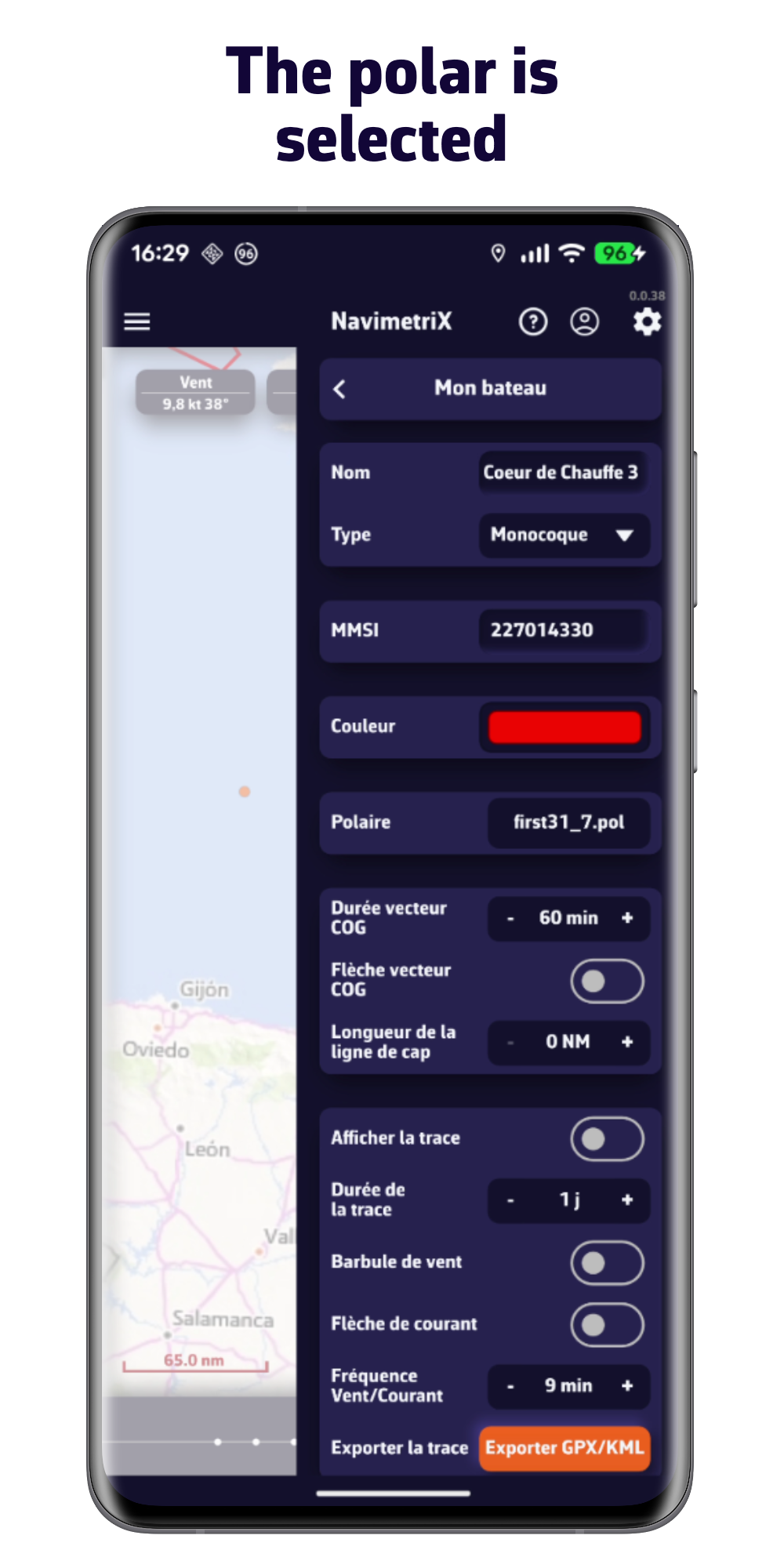
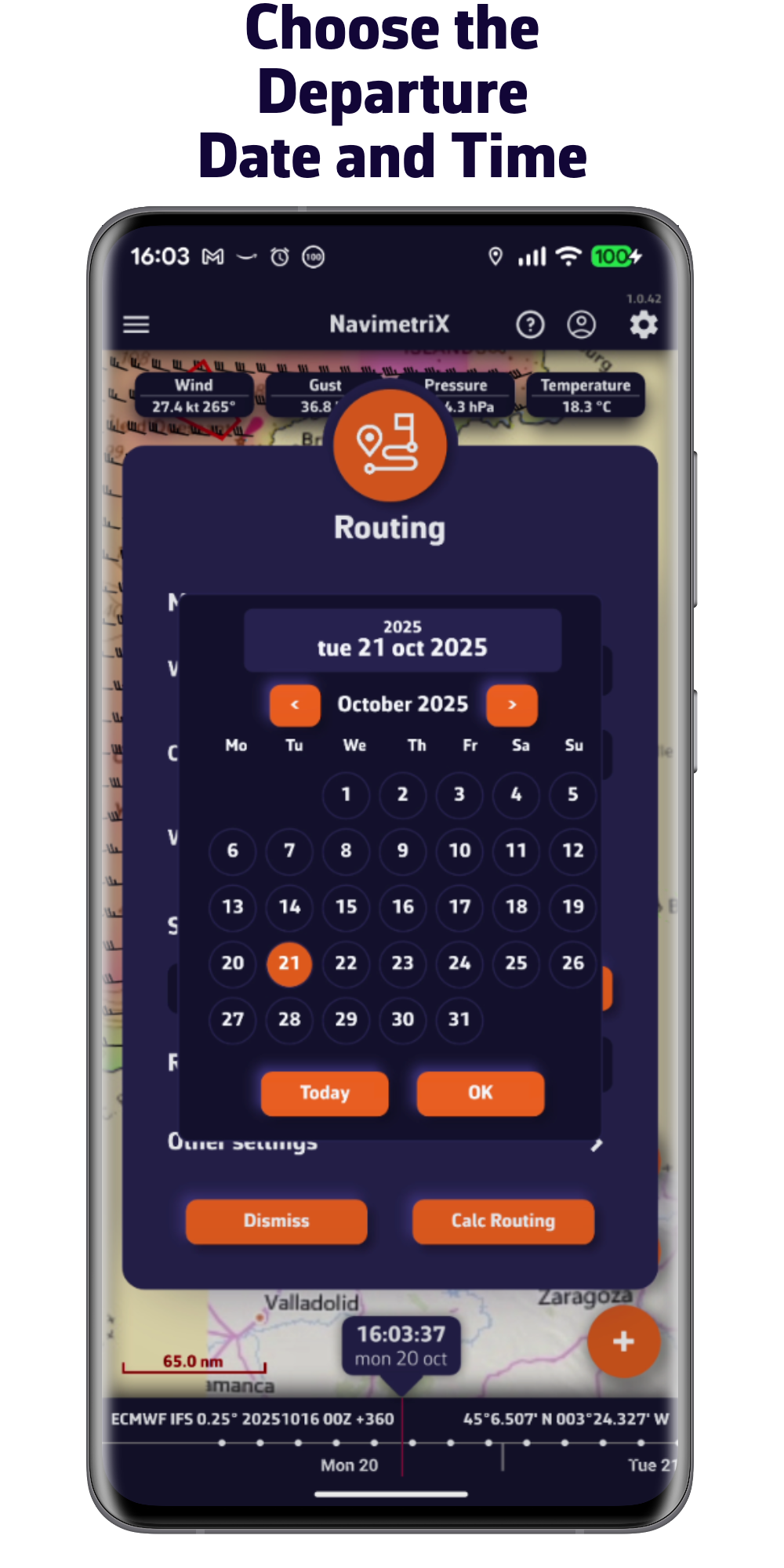
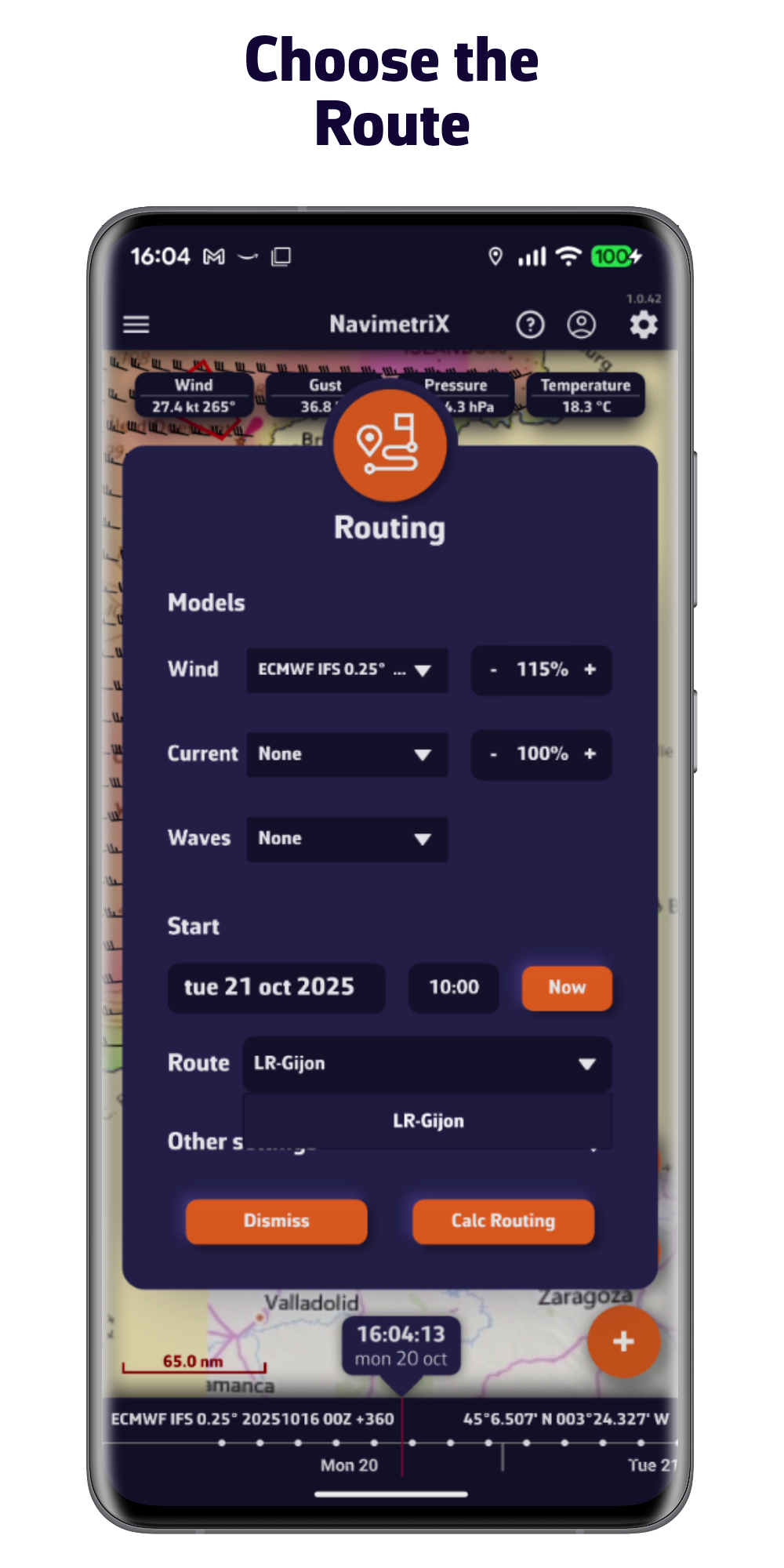
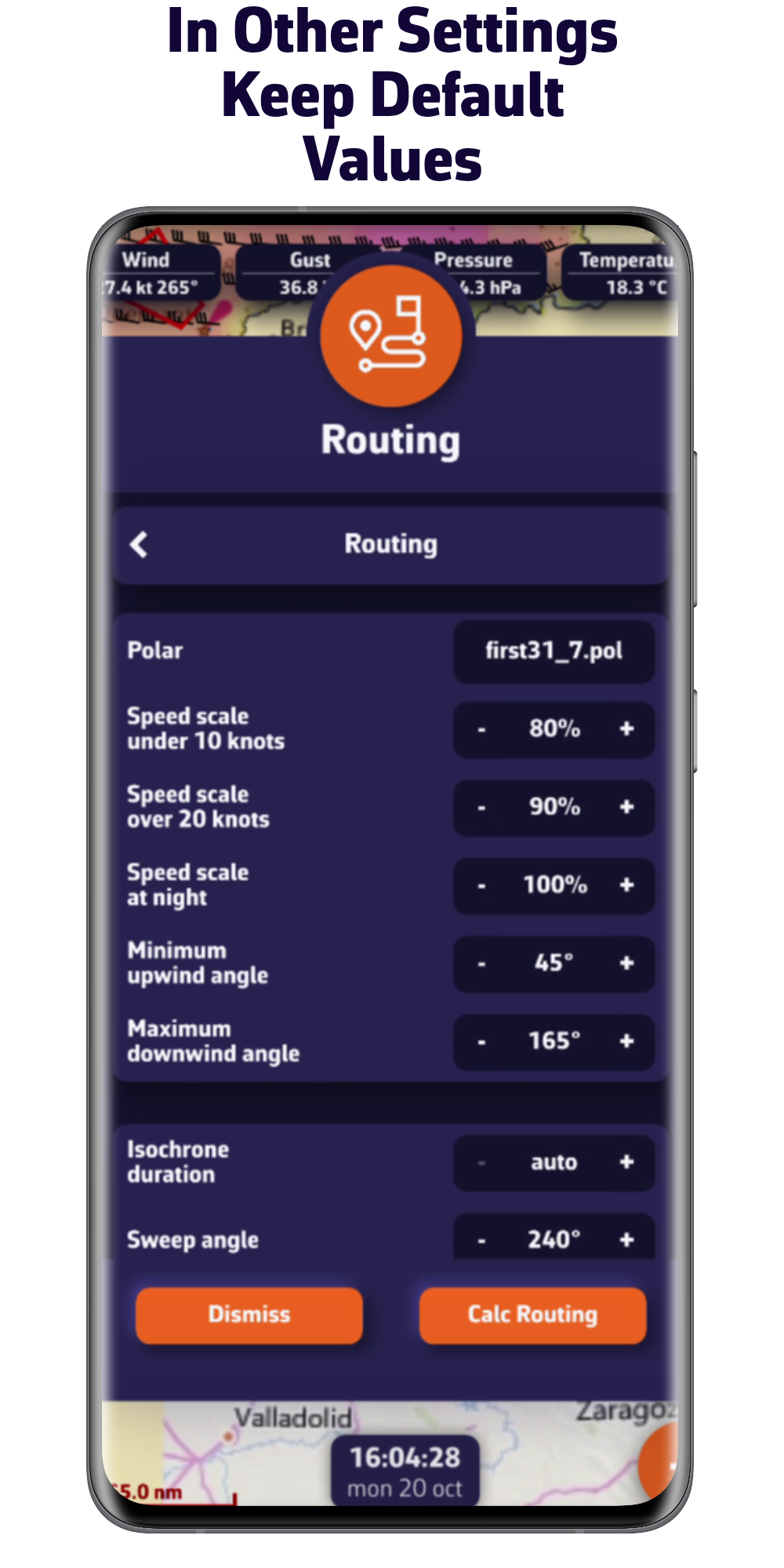
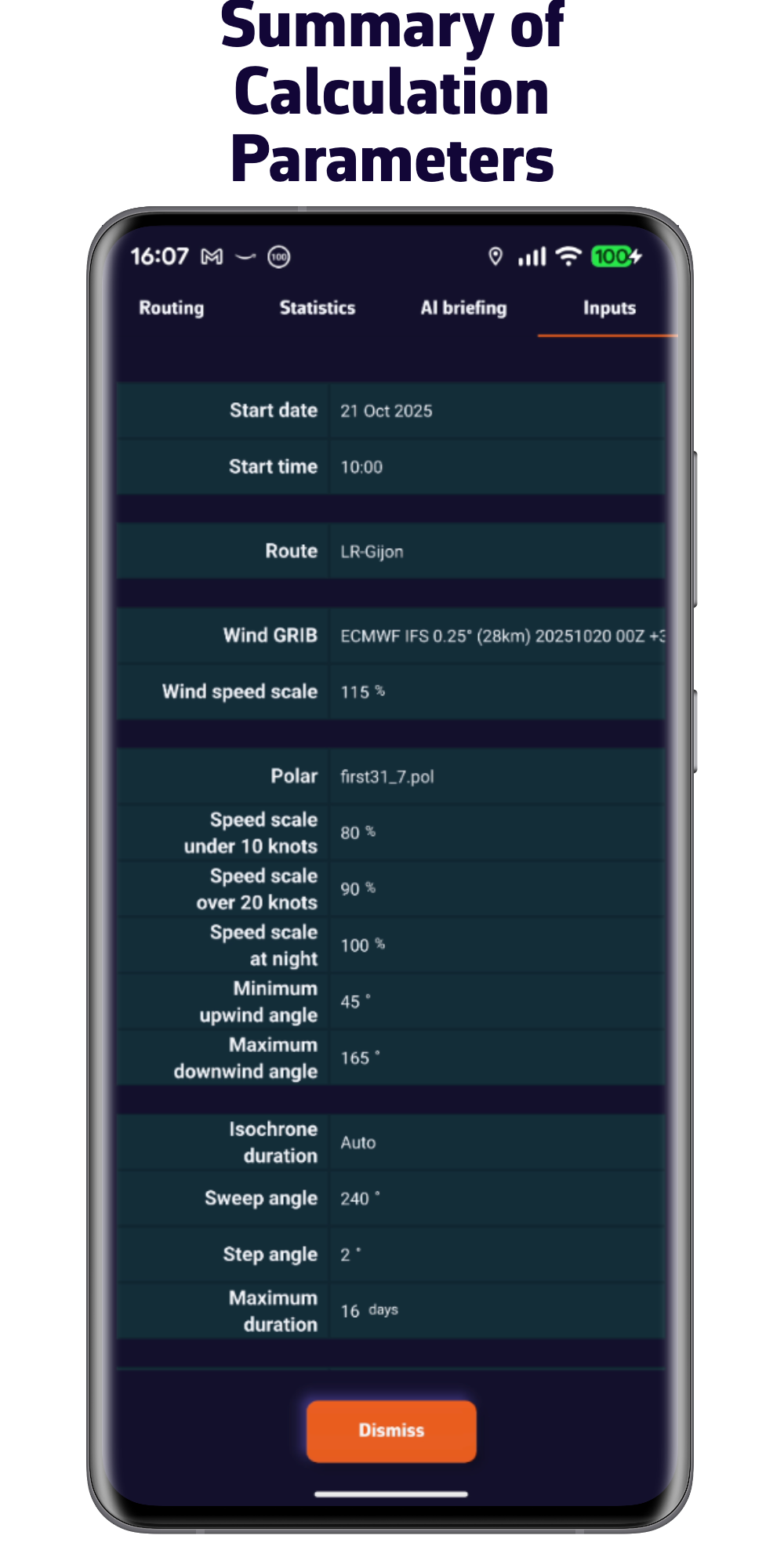
. Choose your boat's polar from our extensive library, import it, or calculate it in just a few clicks
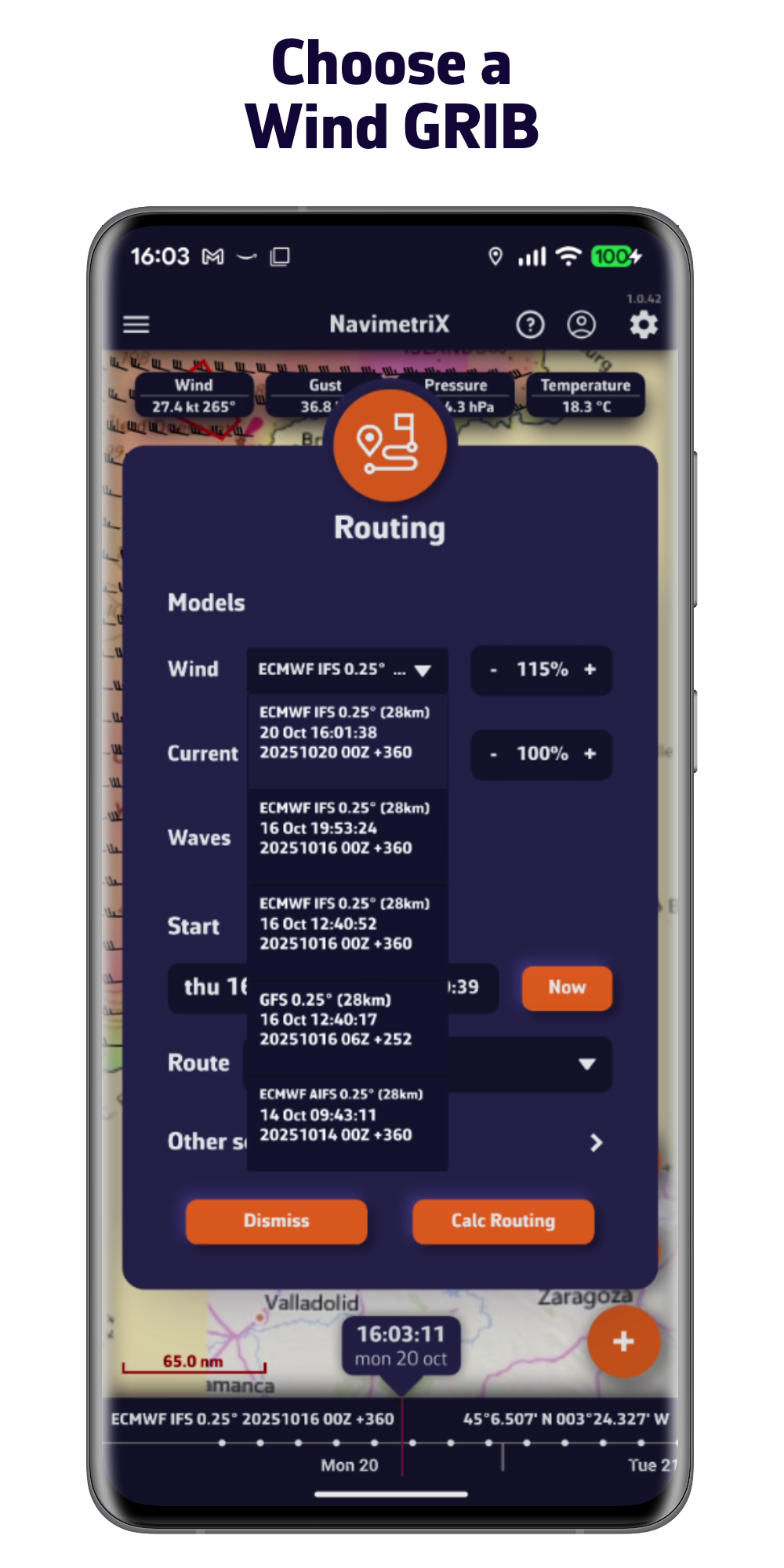
. Integrate forecasts for wind, waves, and currents
. Constrain your routing based on your sailing style
. Fine-tune your routing with pivot points
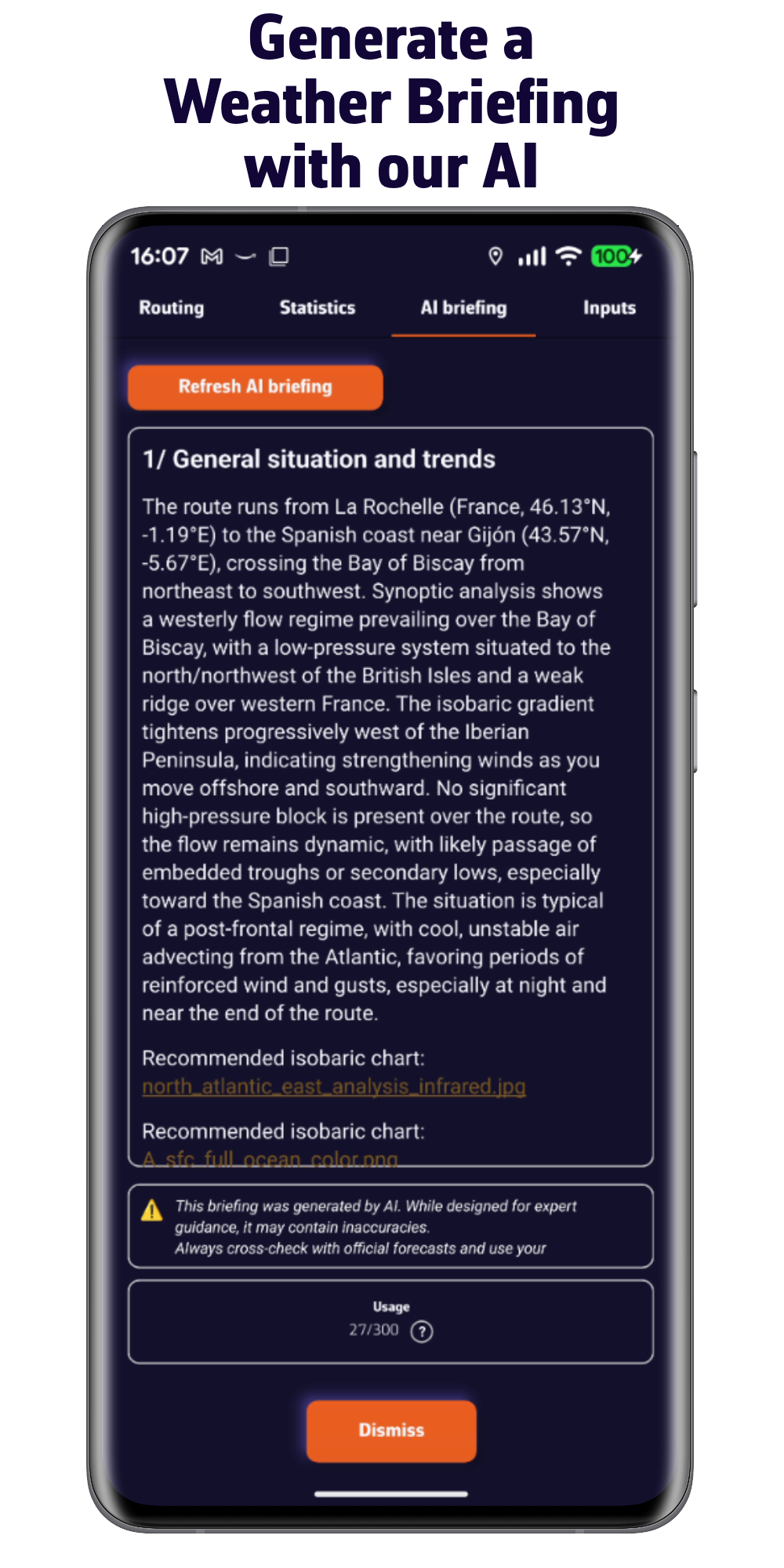
. Ask our AI to prepare a weather briefing for you
All of this, done in no time.
Discover our offering
FREE VERSION
- Multi-platform: iOS, Android, macOS, and Windows
- 5-day weather forecast (GFS model)
- Routing 2 days maximum
- Weather visualization
- Display your nautical charts (charts not provided)
- Navigation mode
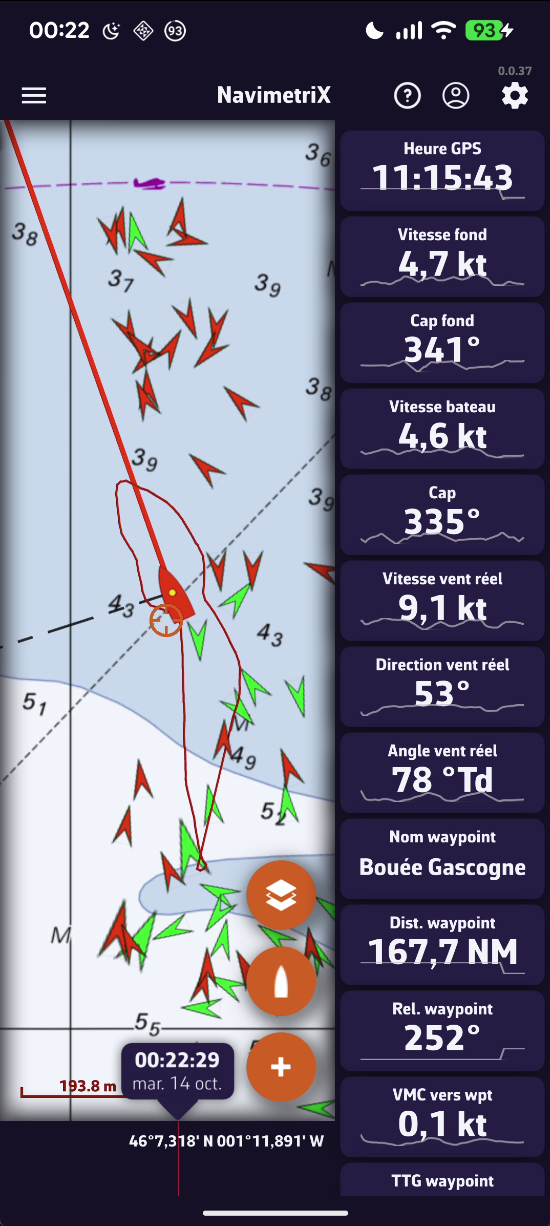
- Connection to onboard data
- Account and cloud sync
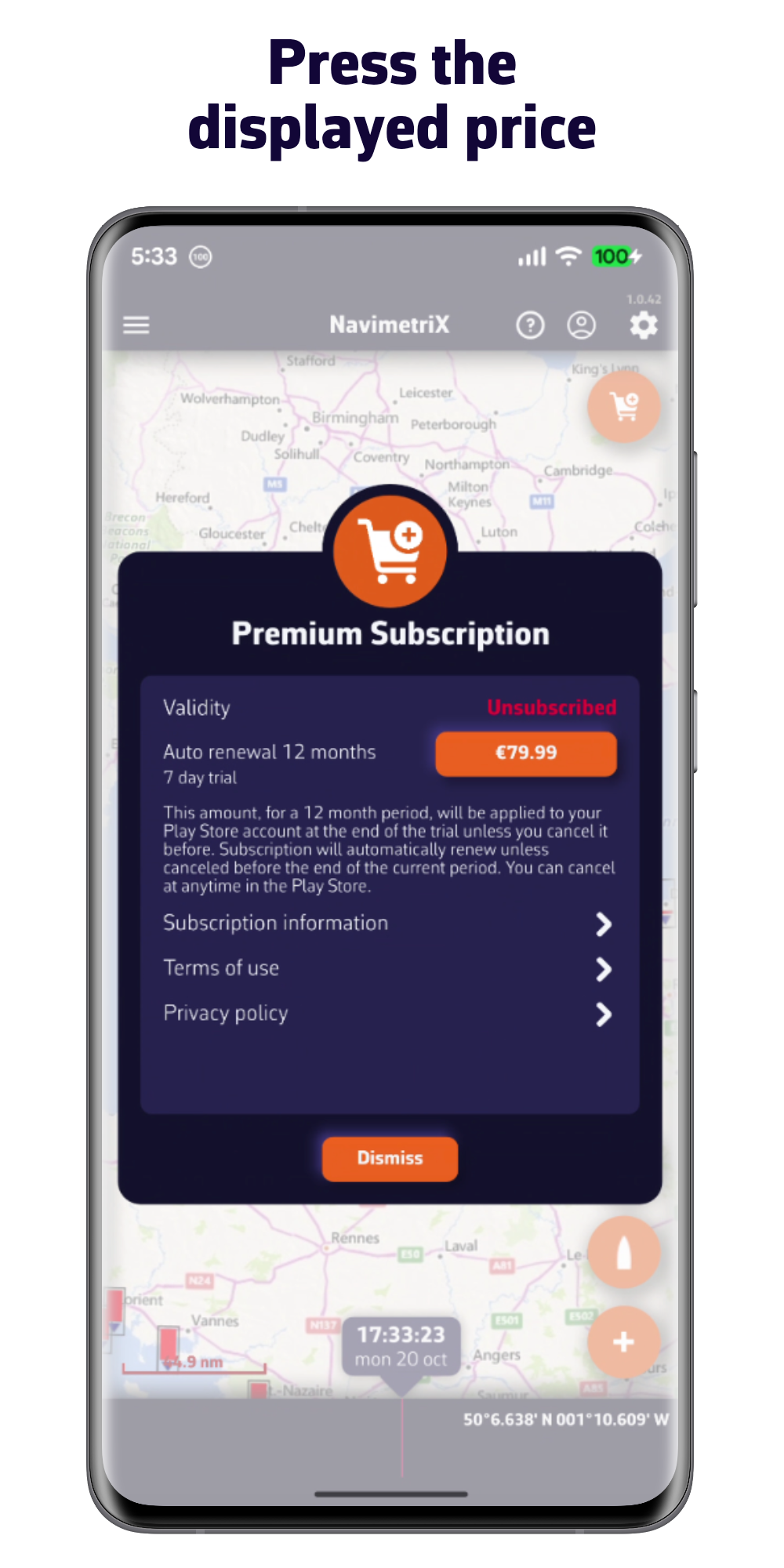
PREMIUM SUBSCRIPTION
one week free trial
All options from the free version plus:
- NavimetriX account
- Synchronization of all your devices
- Wide selection of weather models
- Forecasts up to 15 days
- Wave and current forecasts
- Routing up to 15 days
- Weather briefing generated by our AI
- Navigation mode
- Connection to onboard GPS and NMEA data
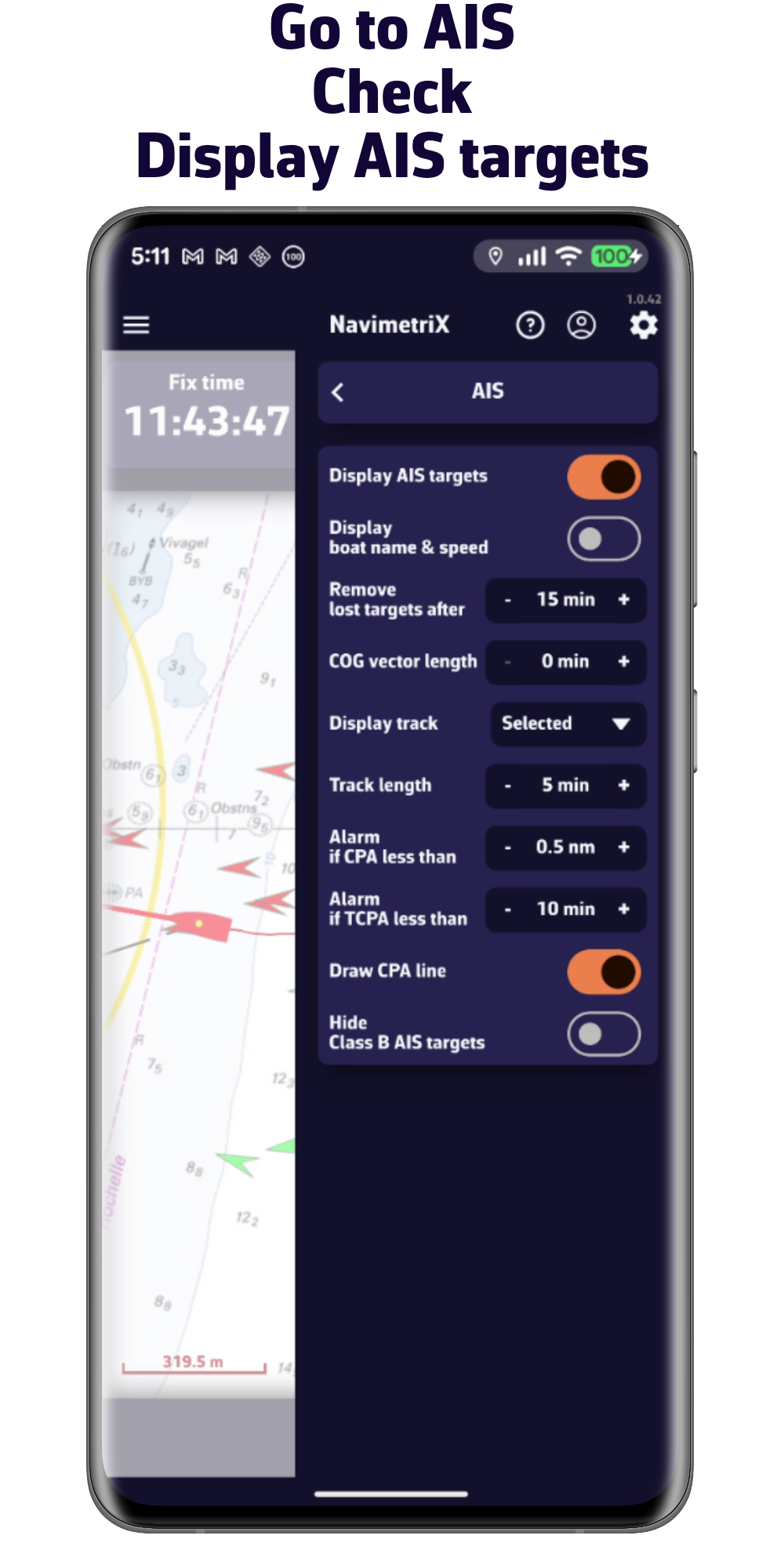
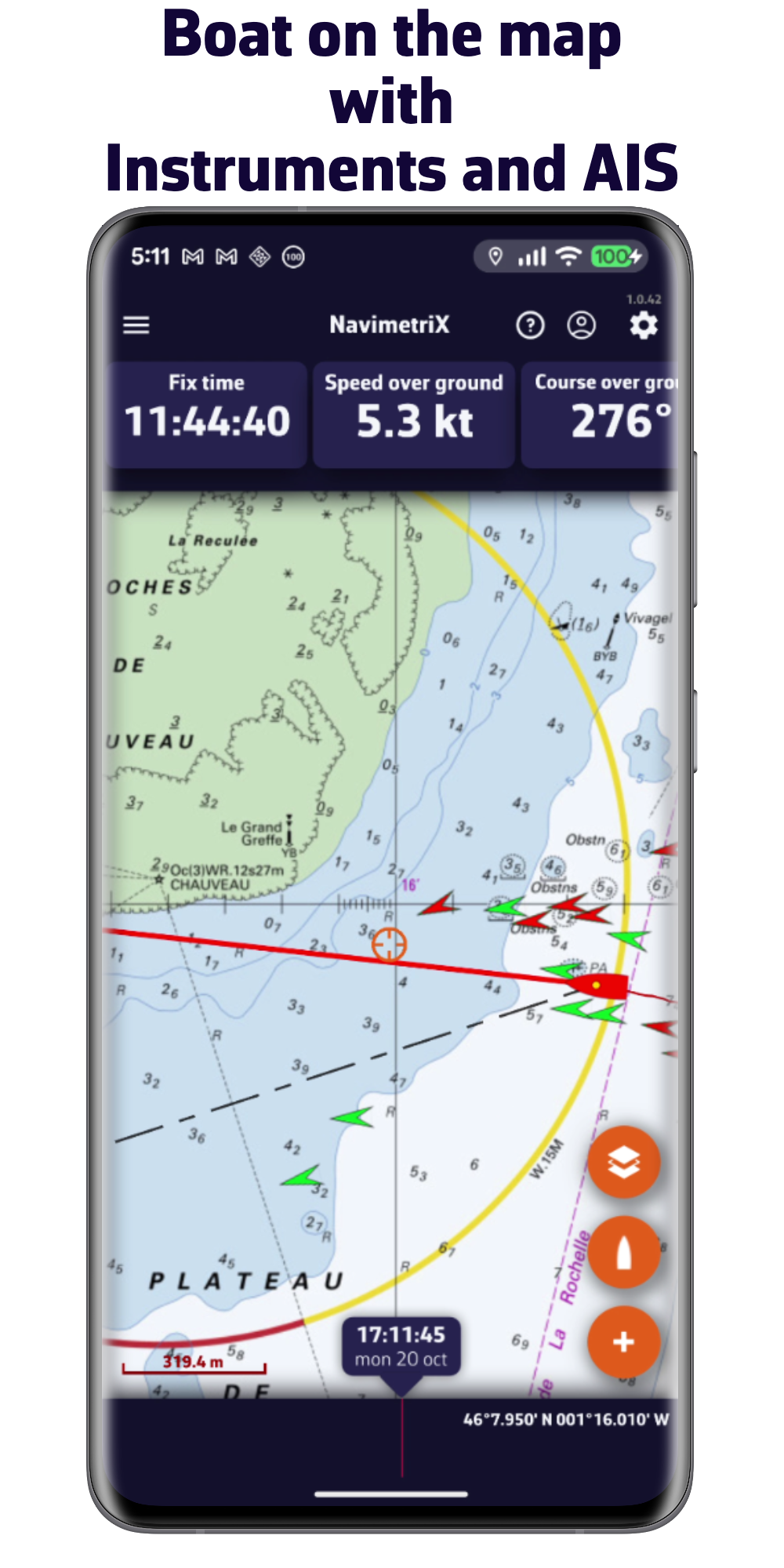
- AIS target processing
- And much more...
Getting started with the app
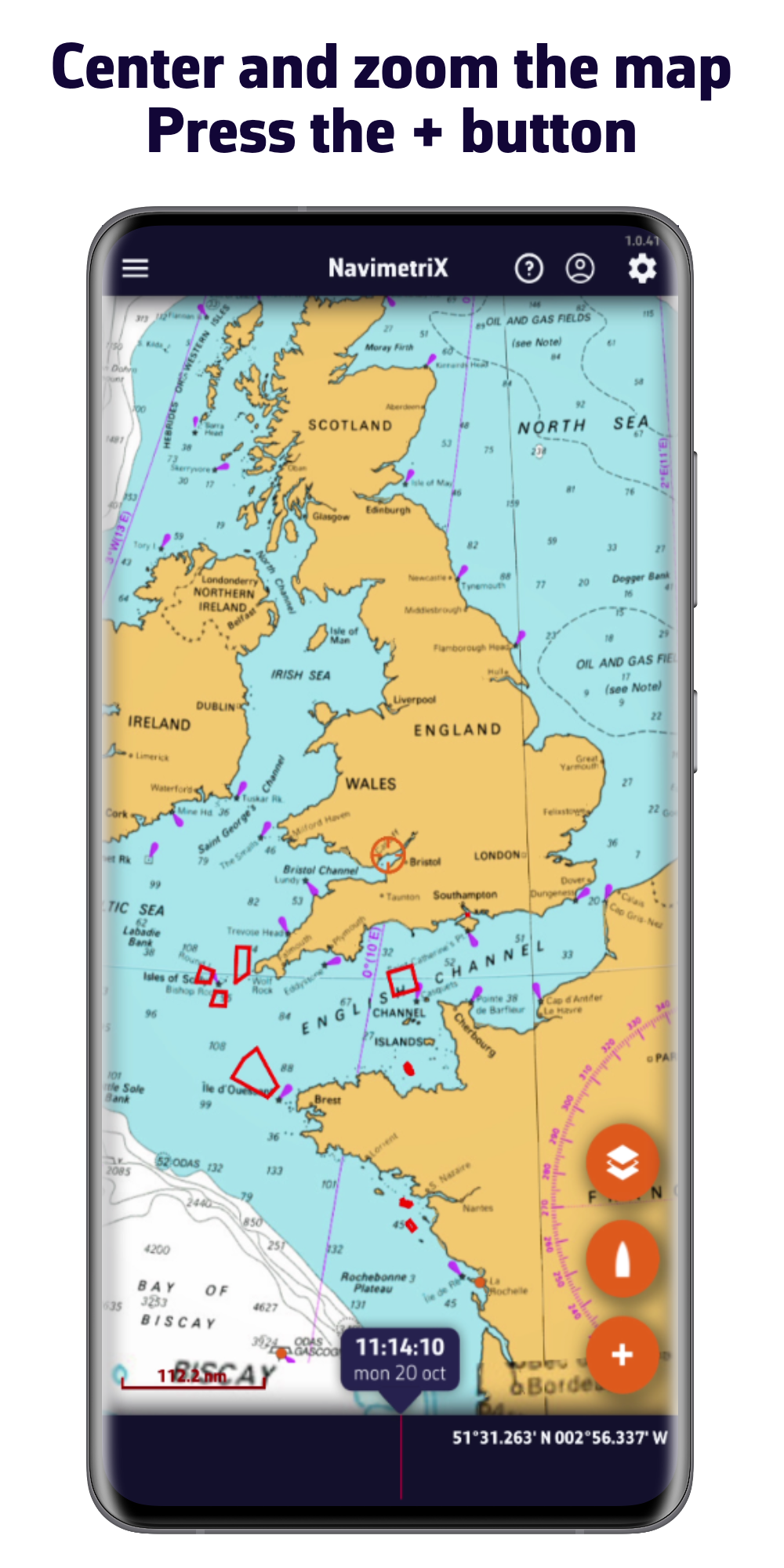
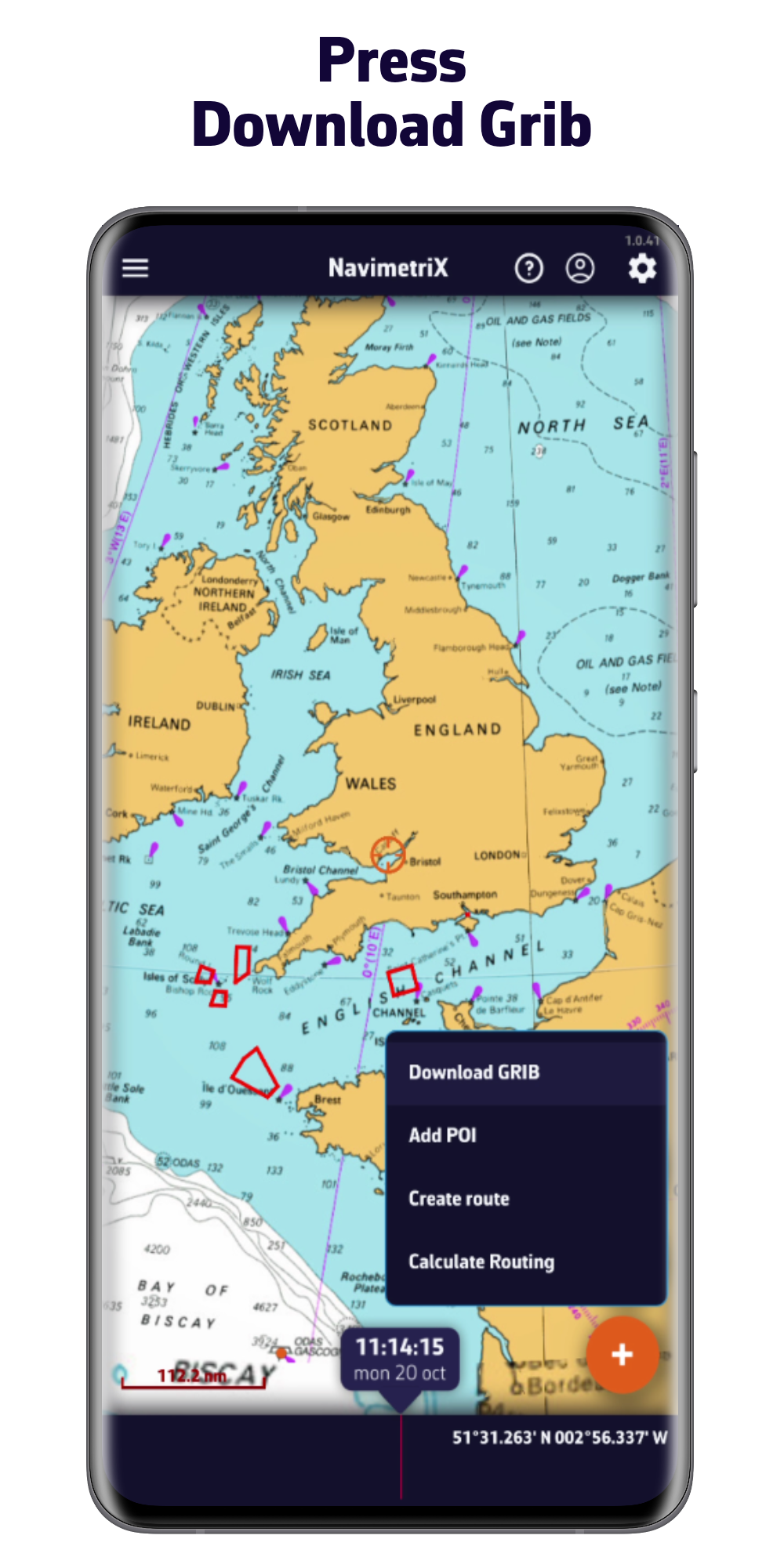
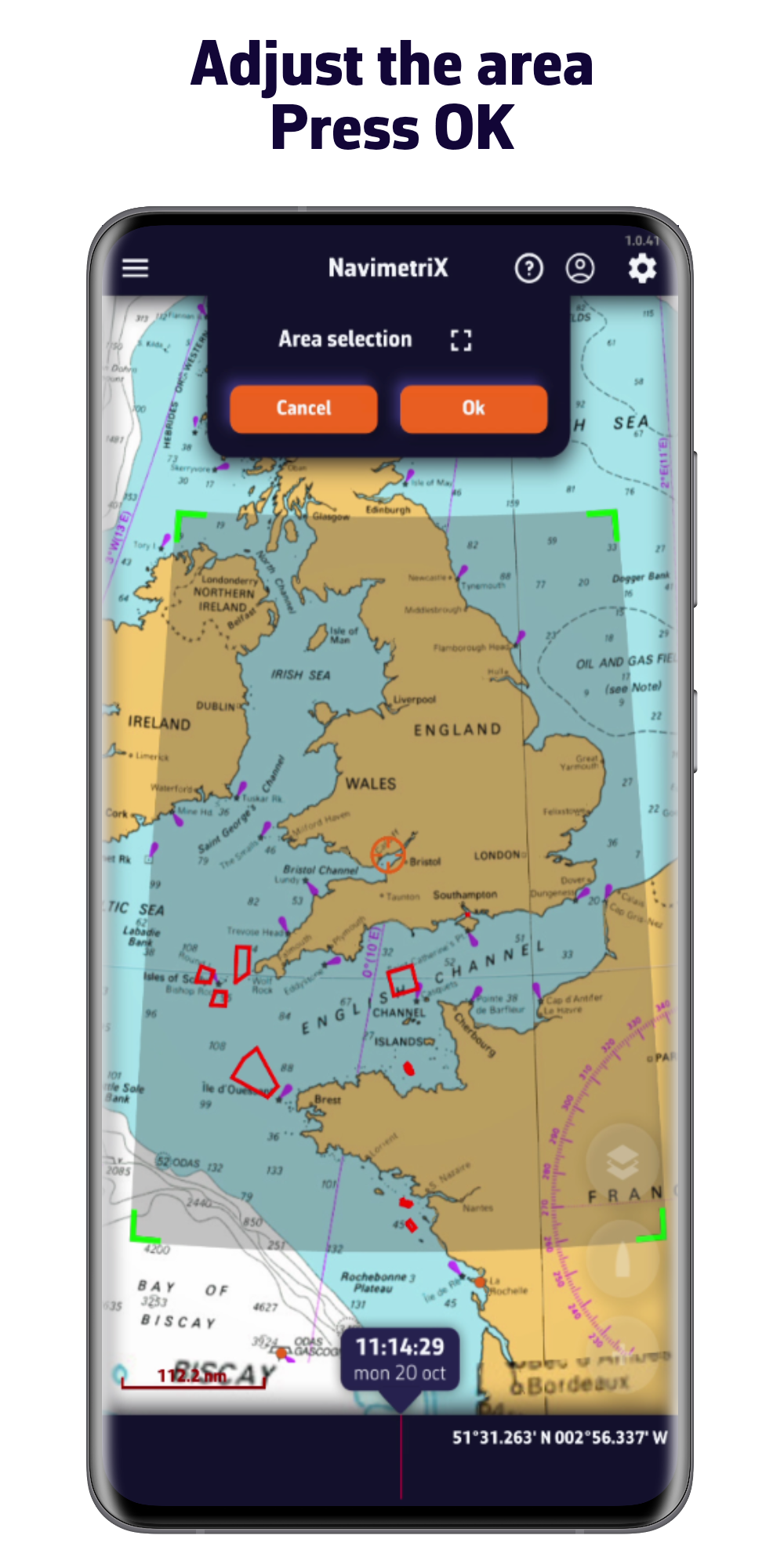
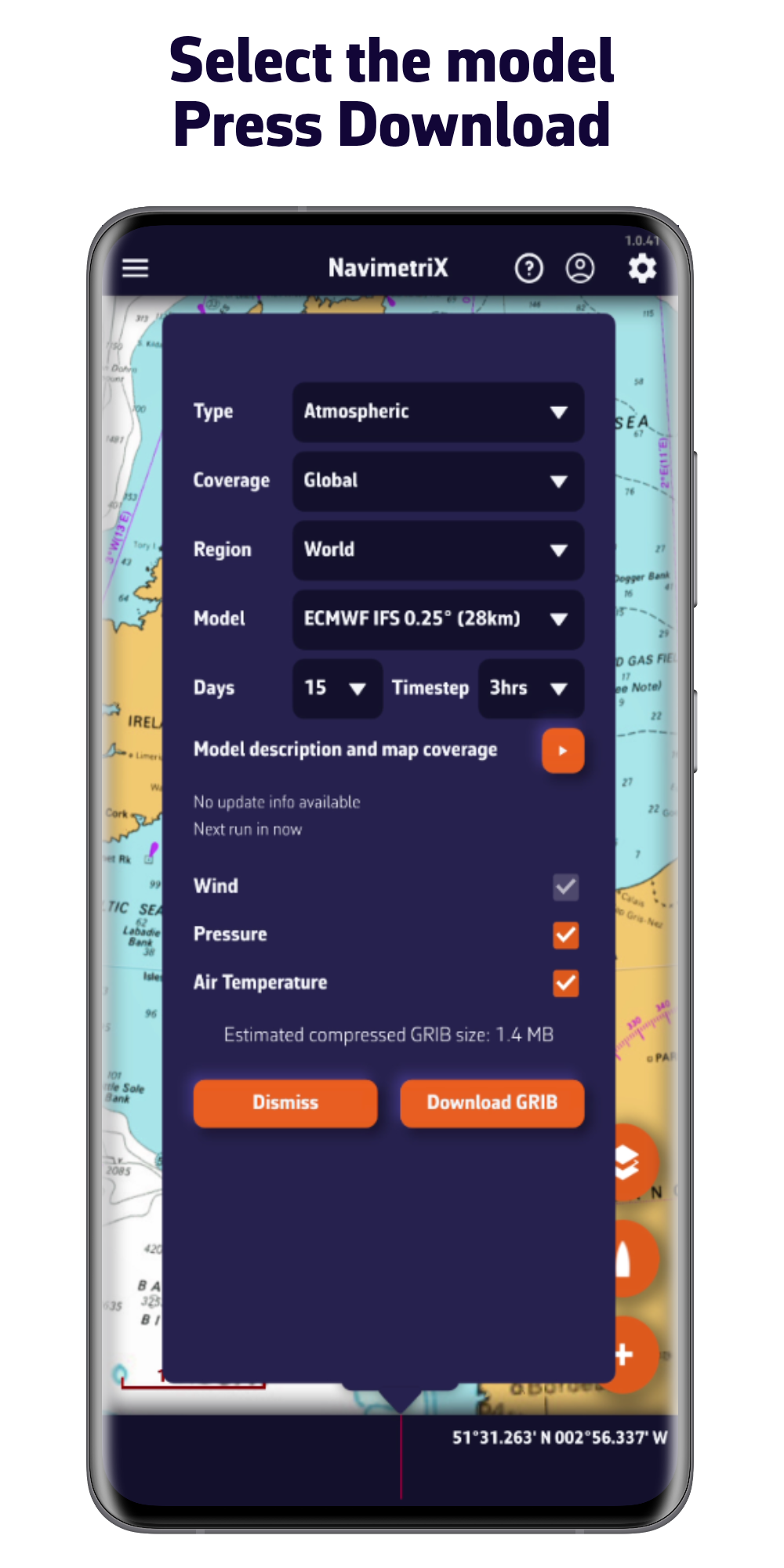
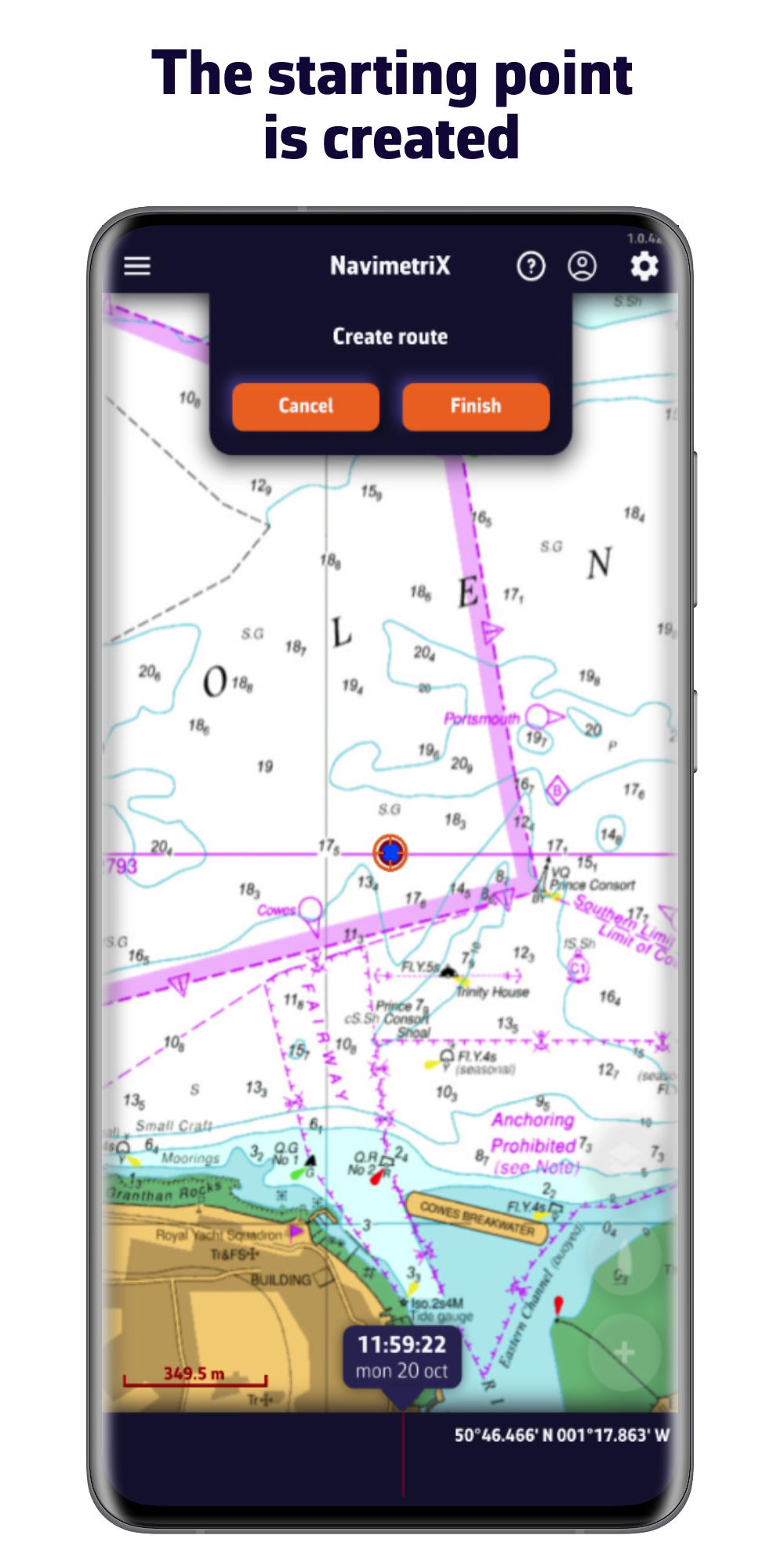
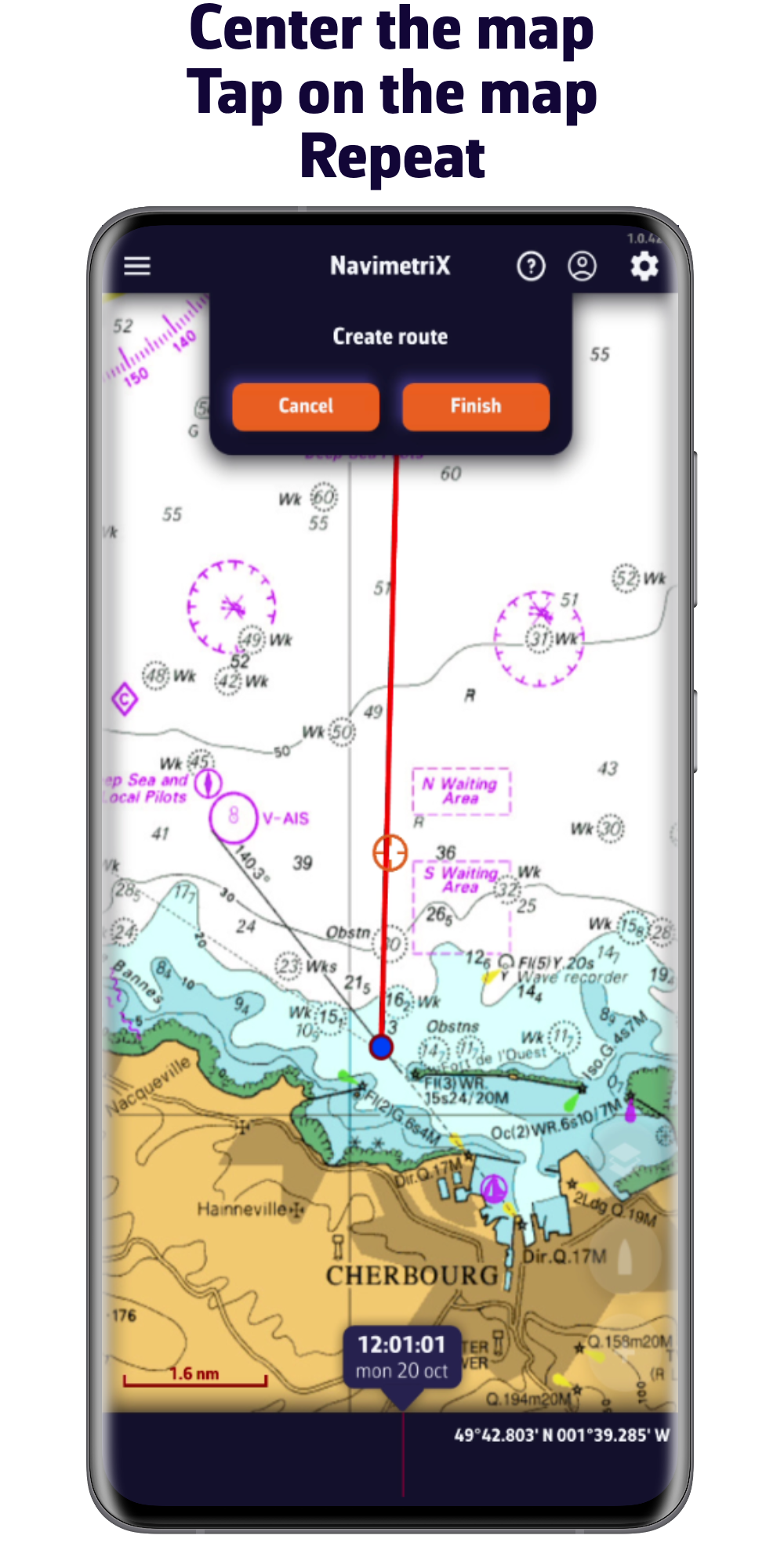
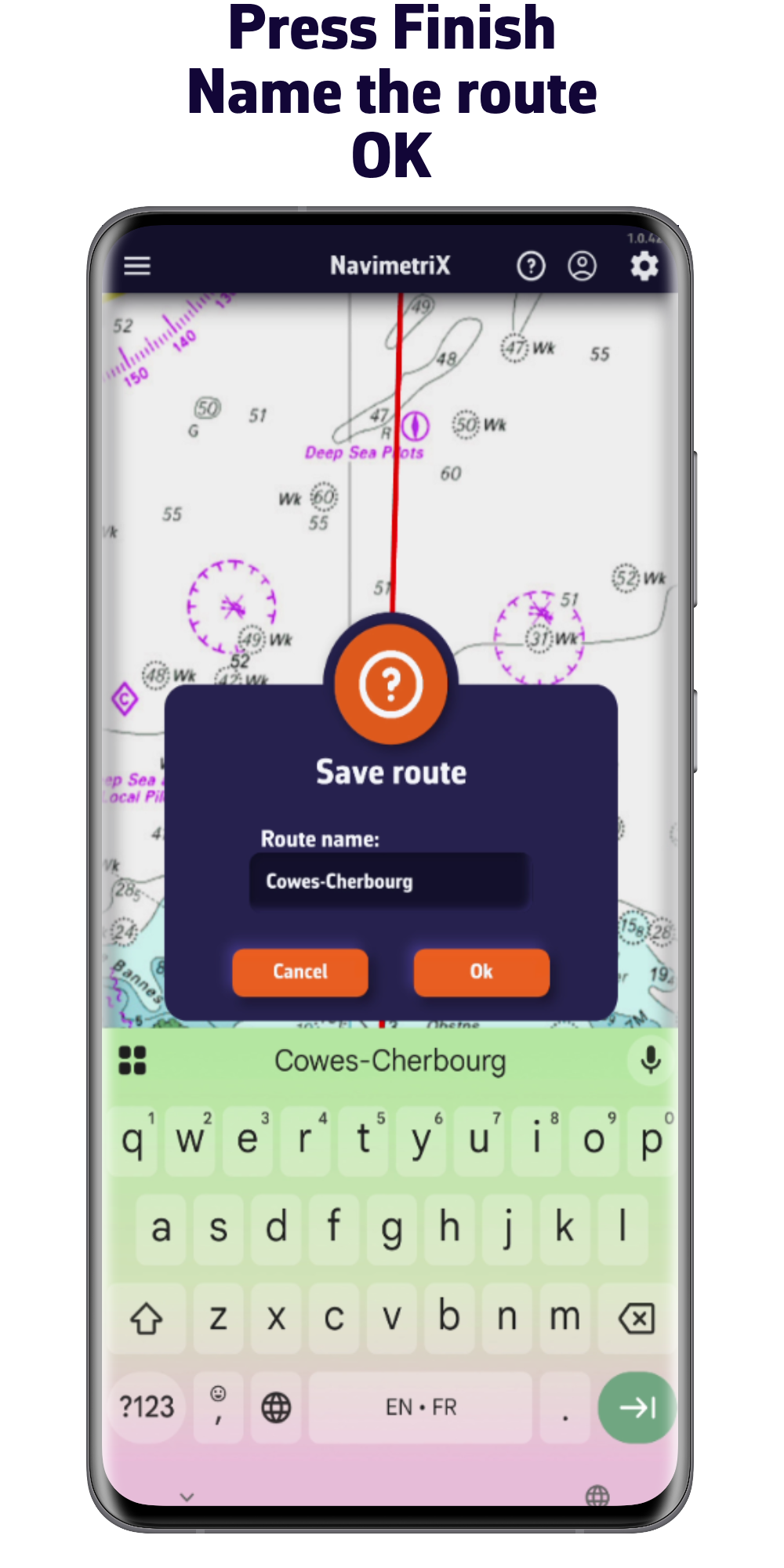
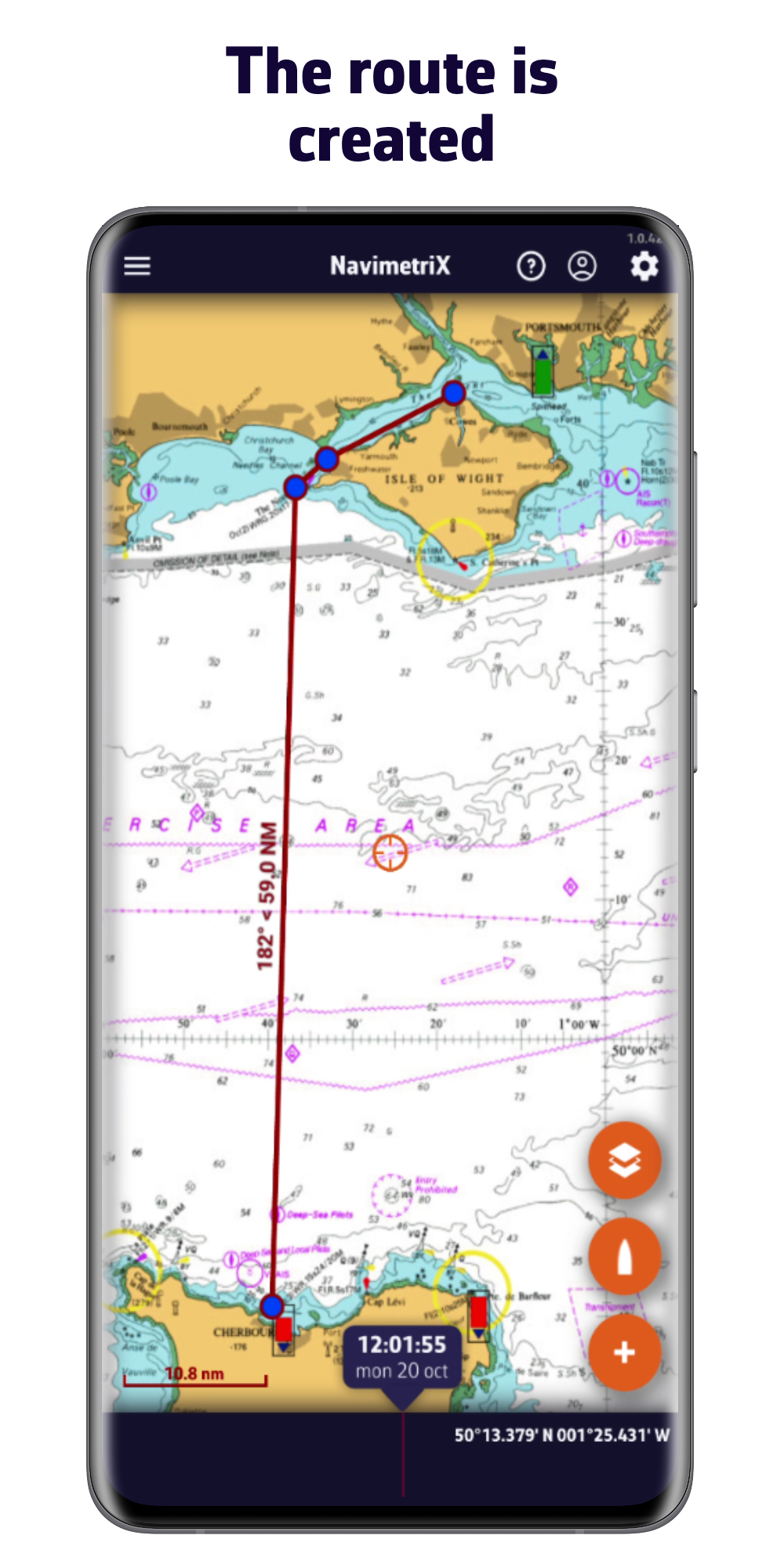
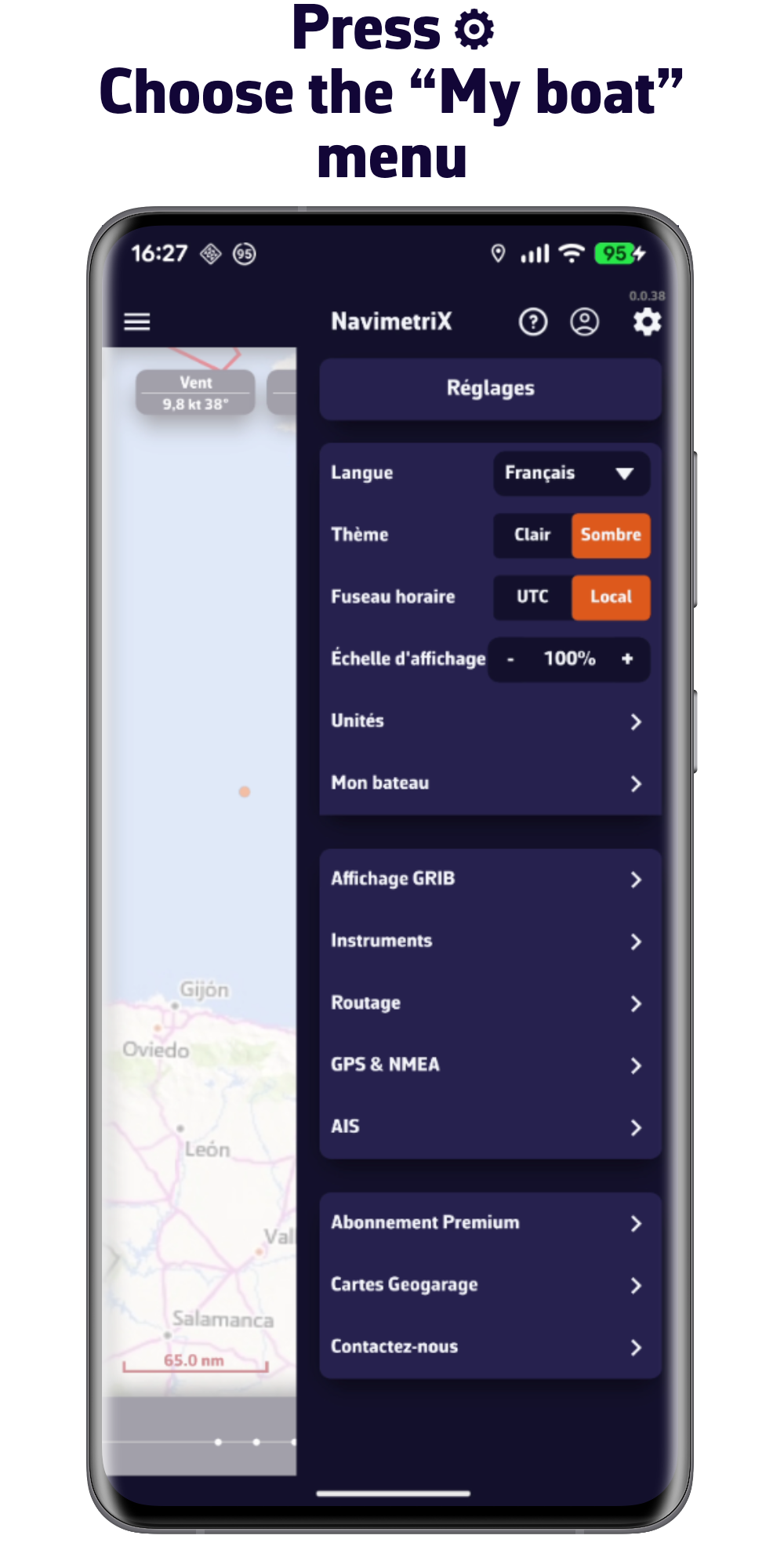
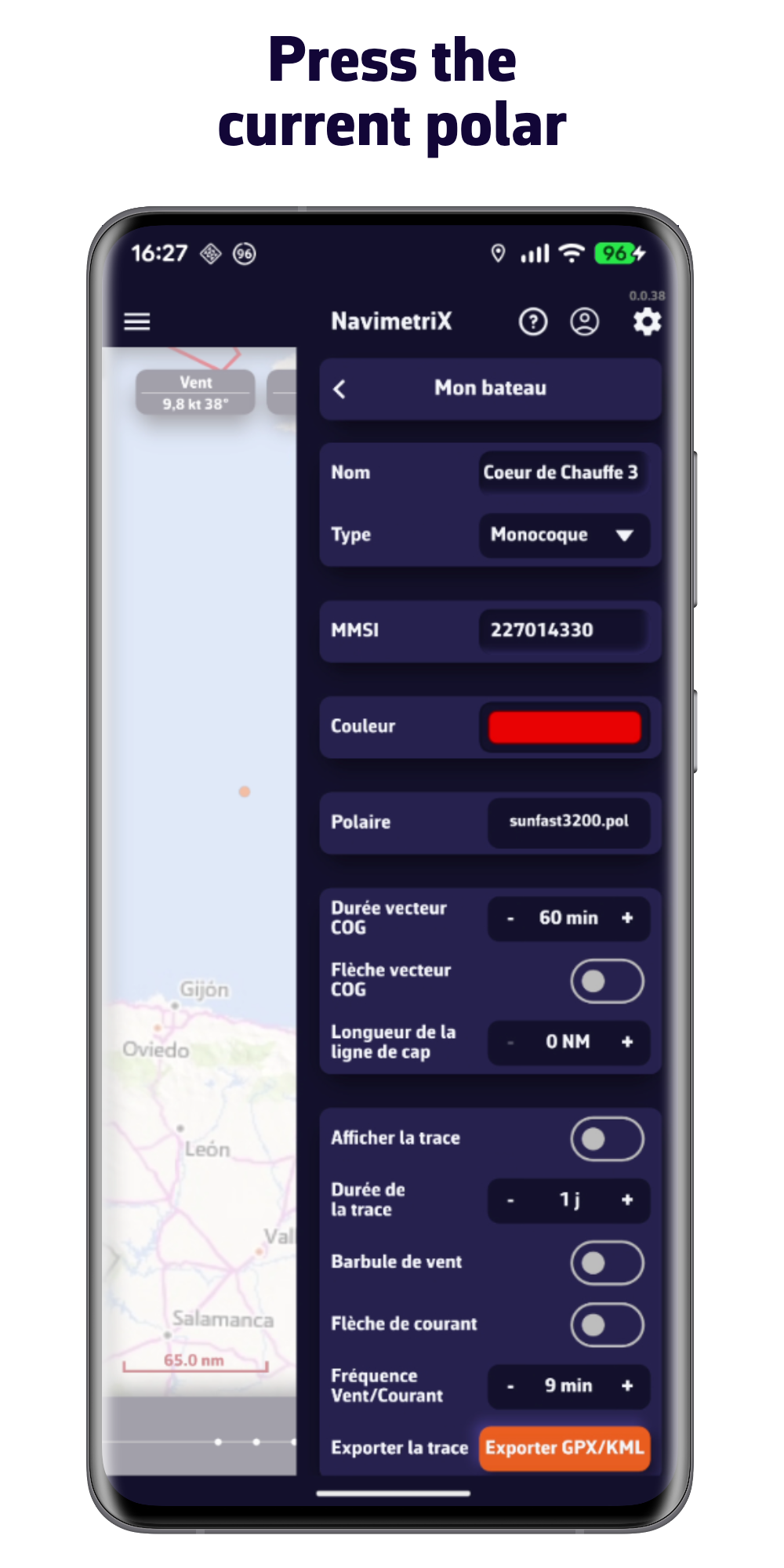
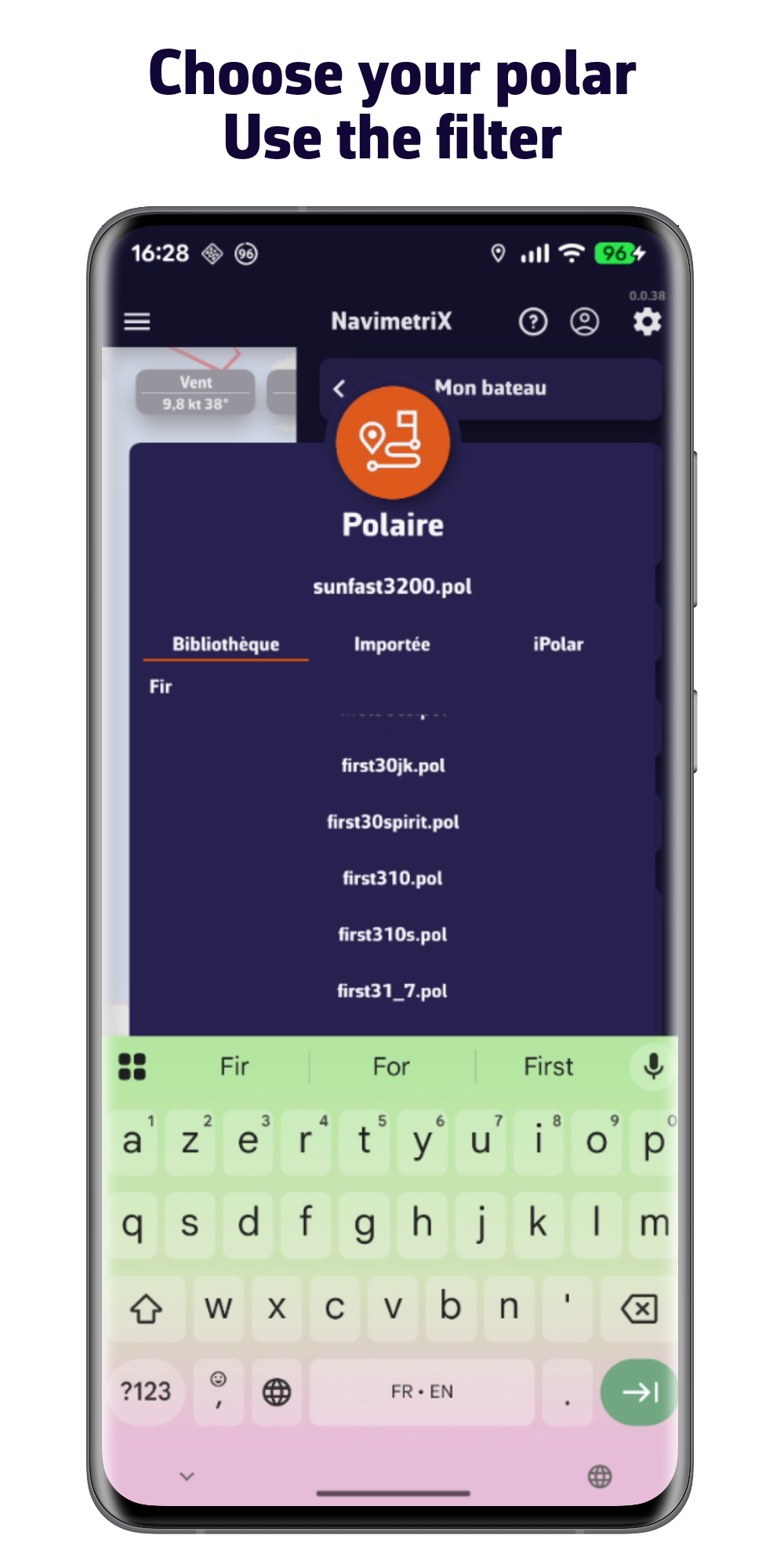
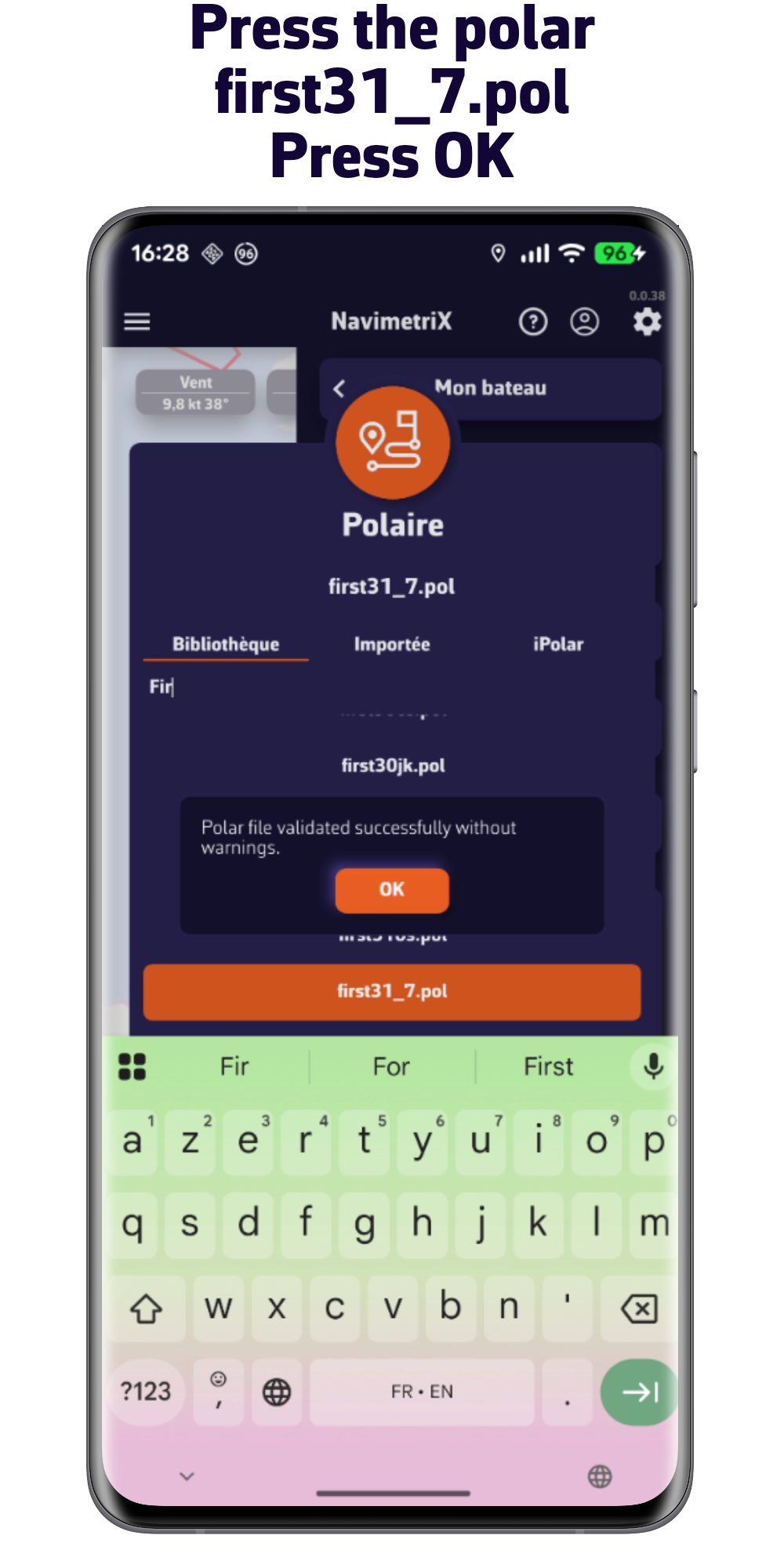
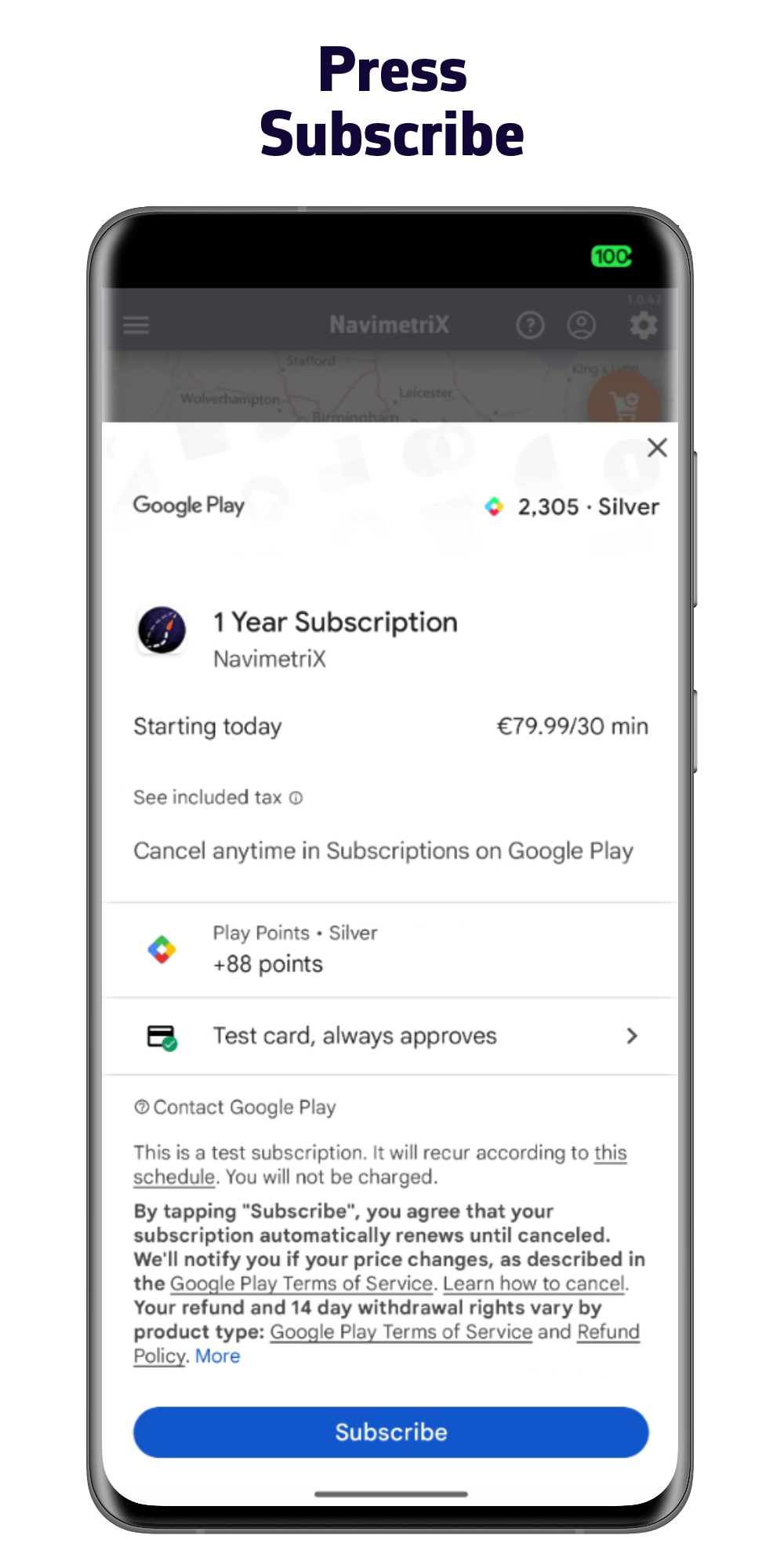
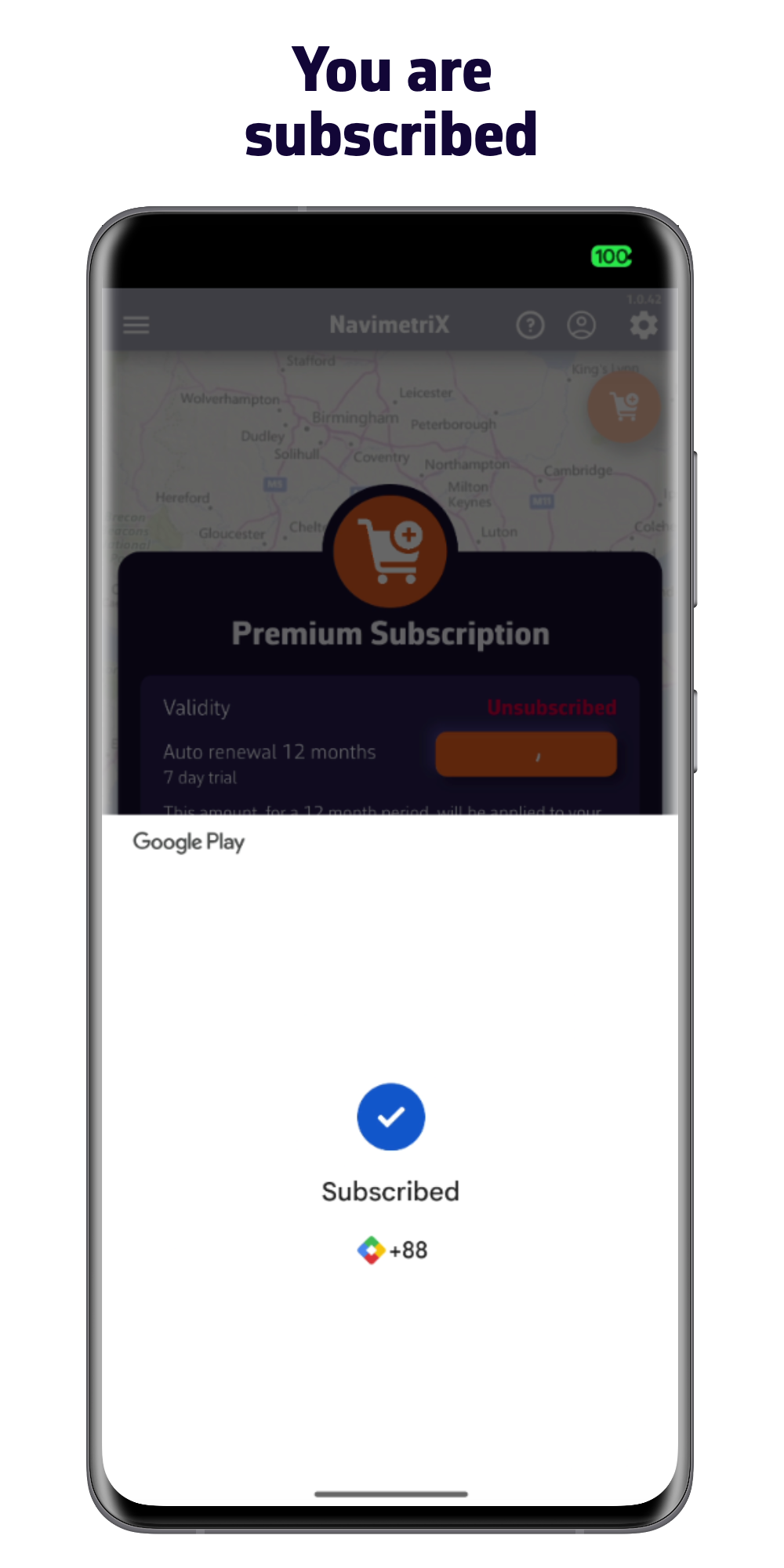
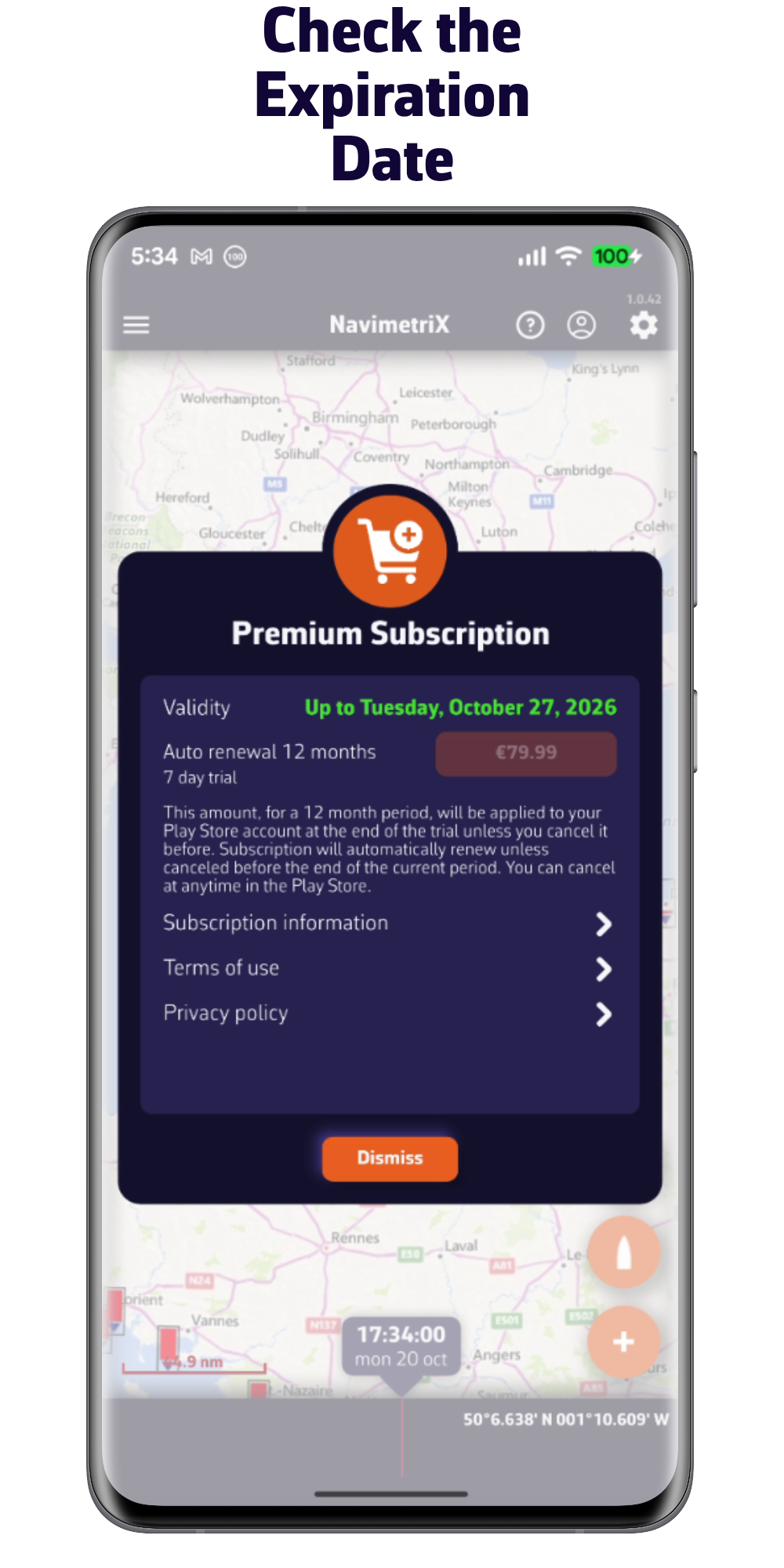
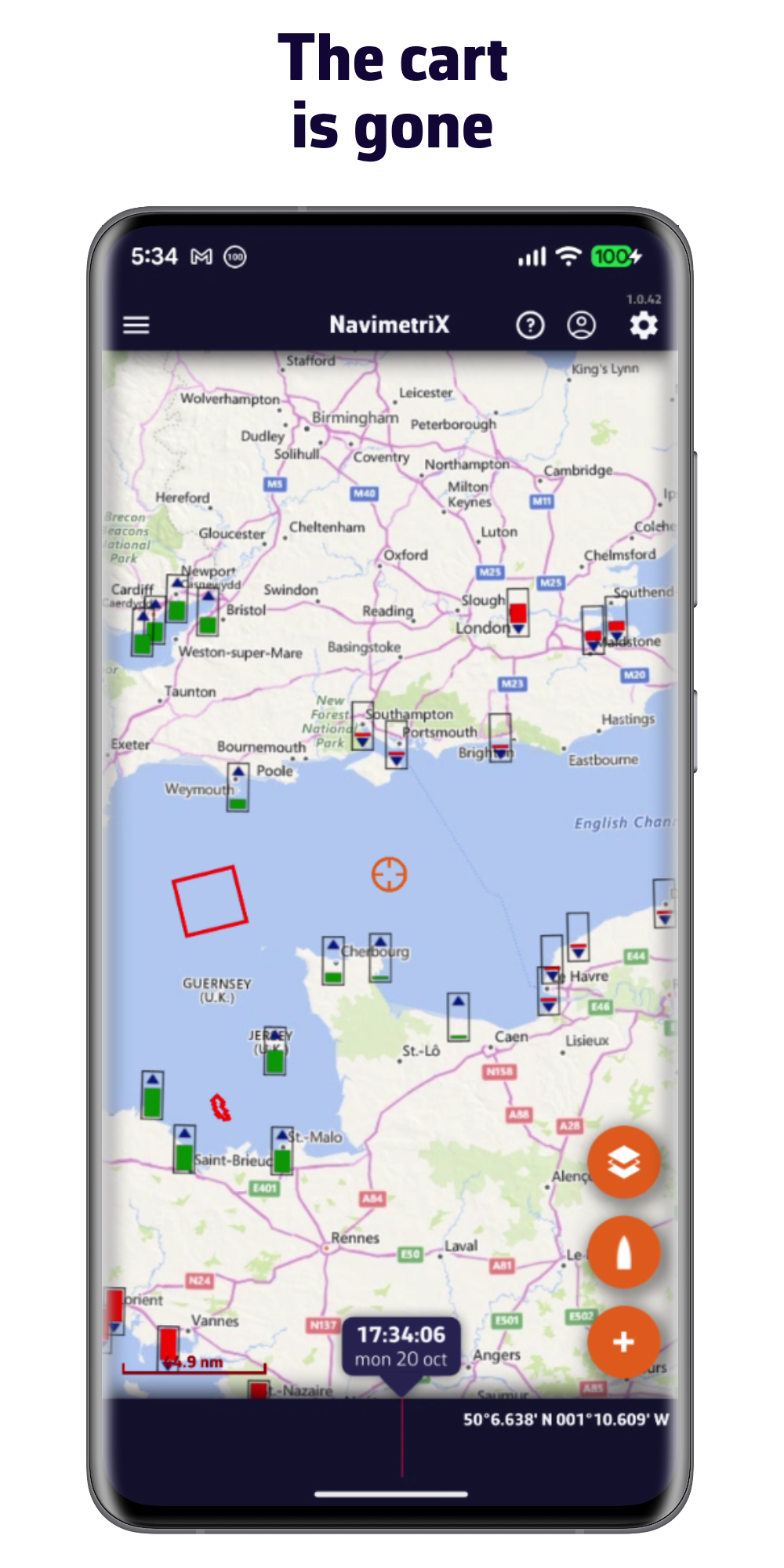
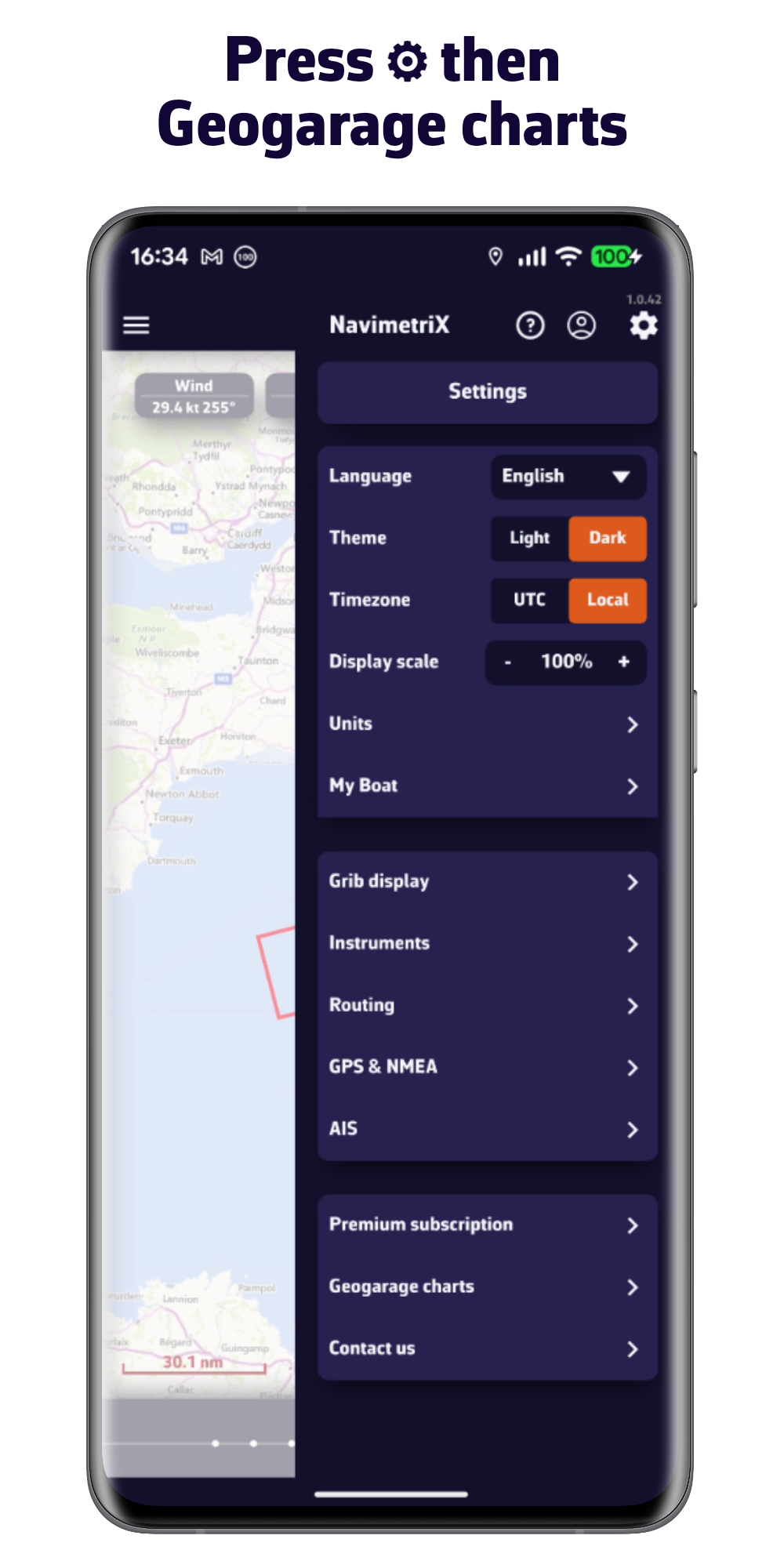
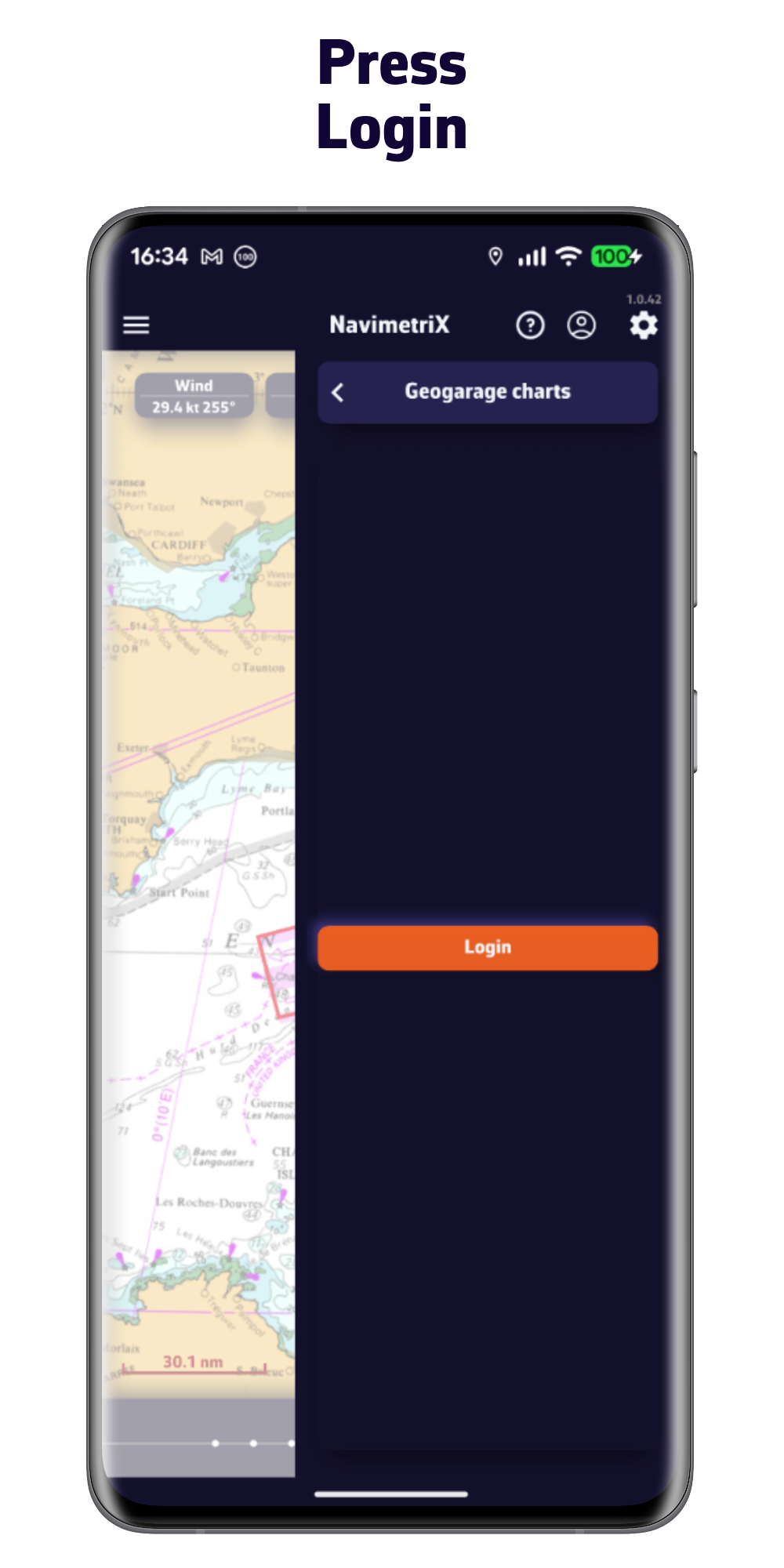
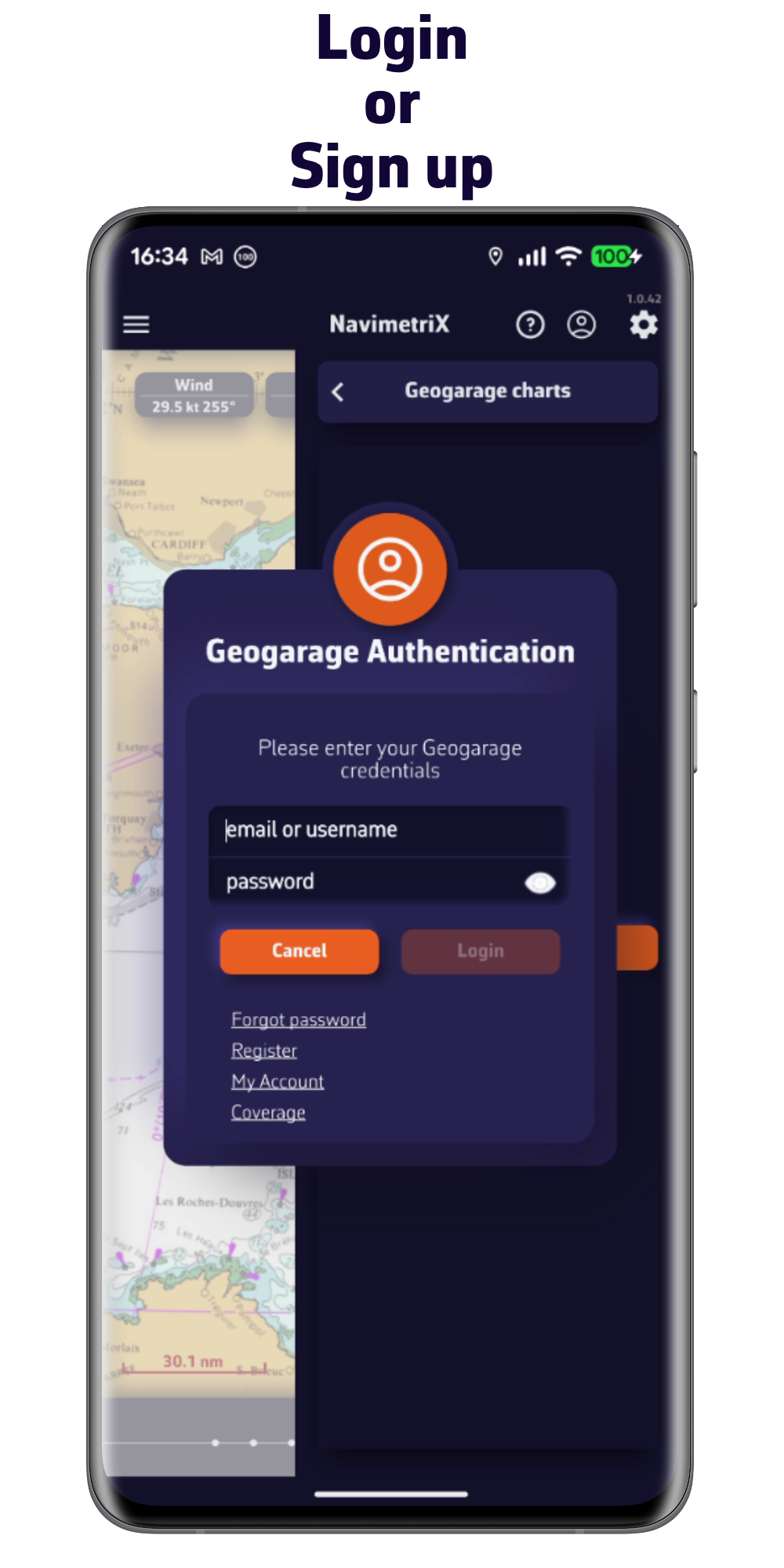
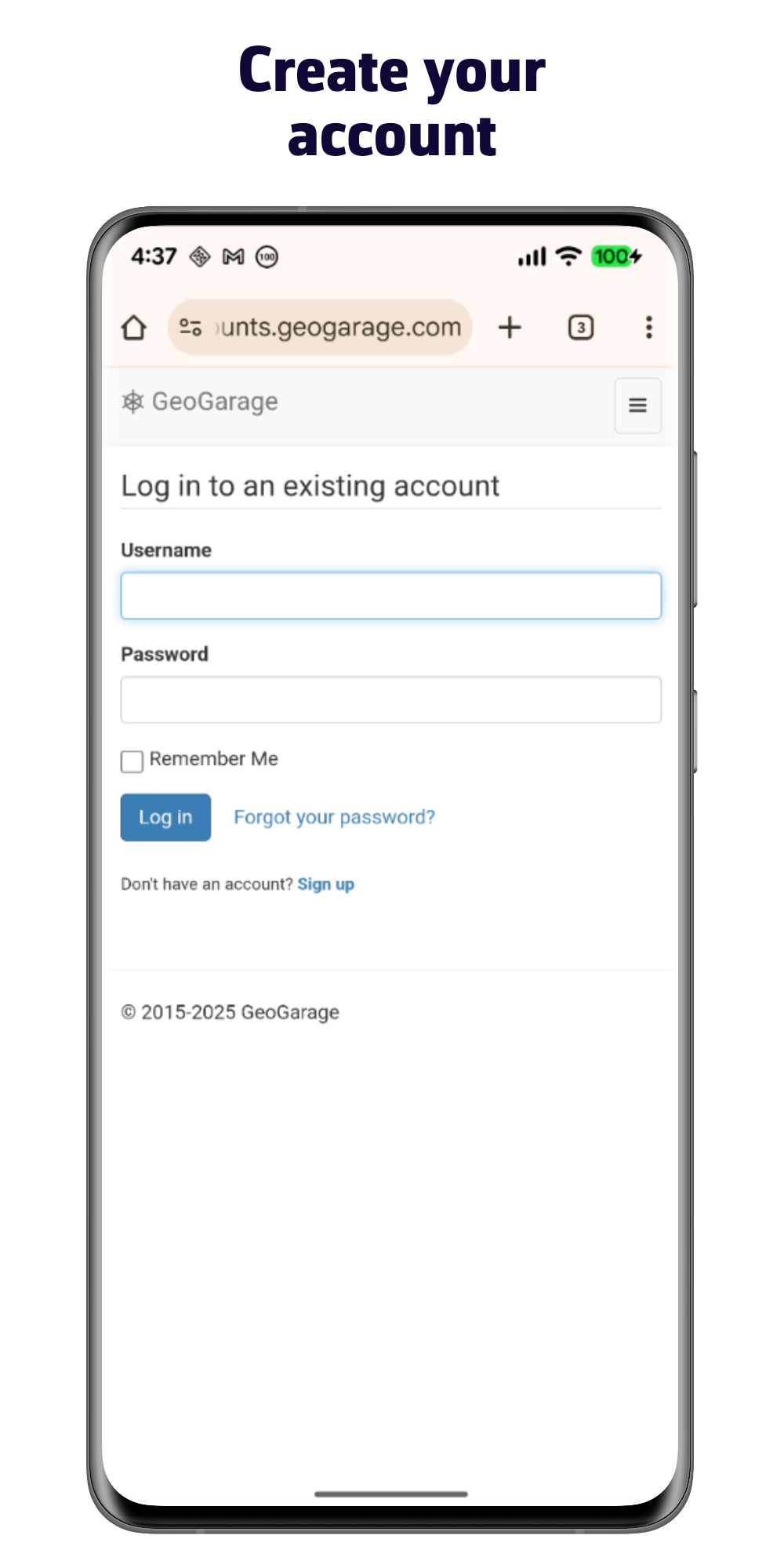
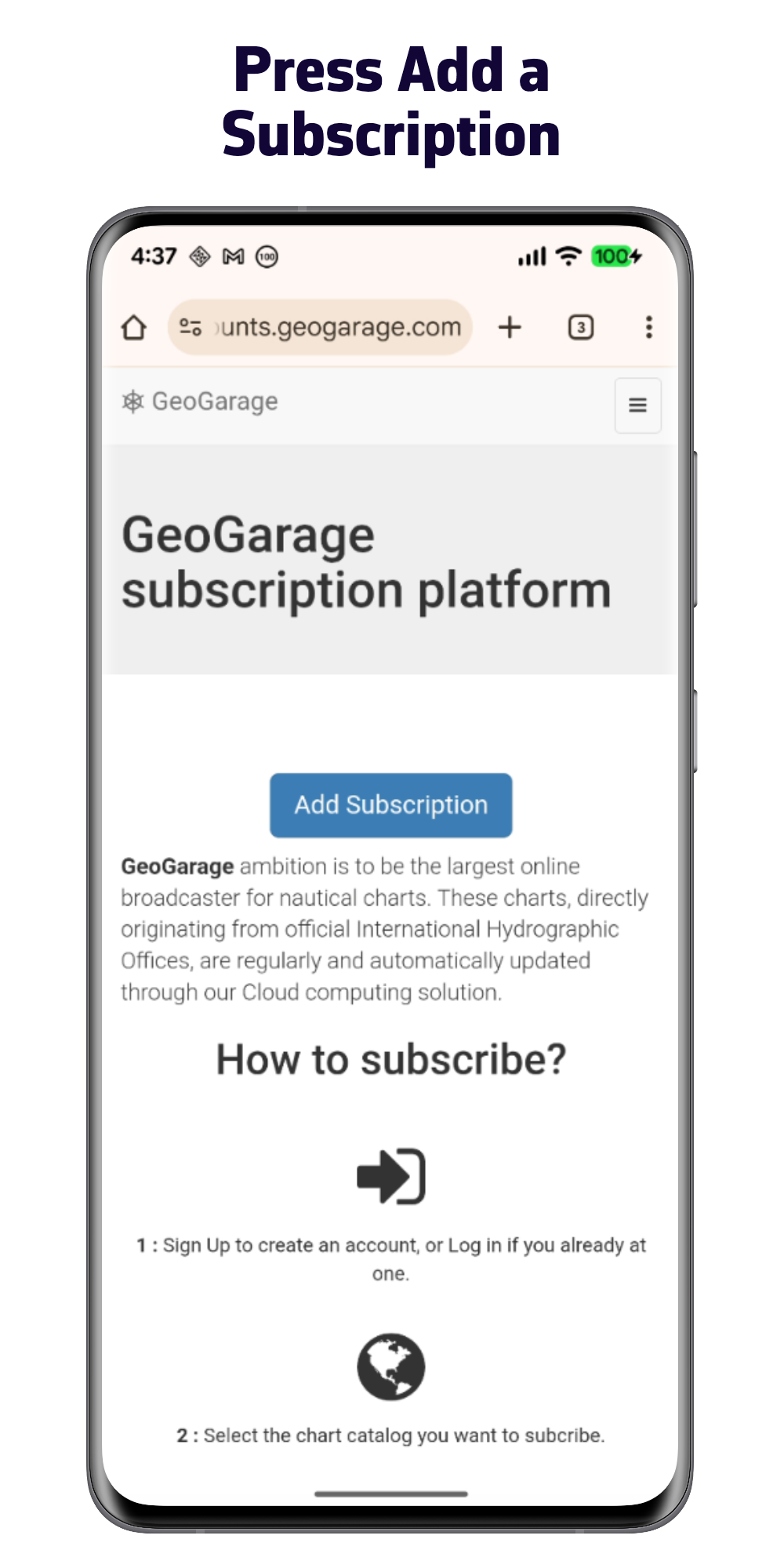
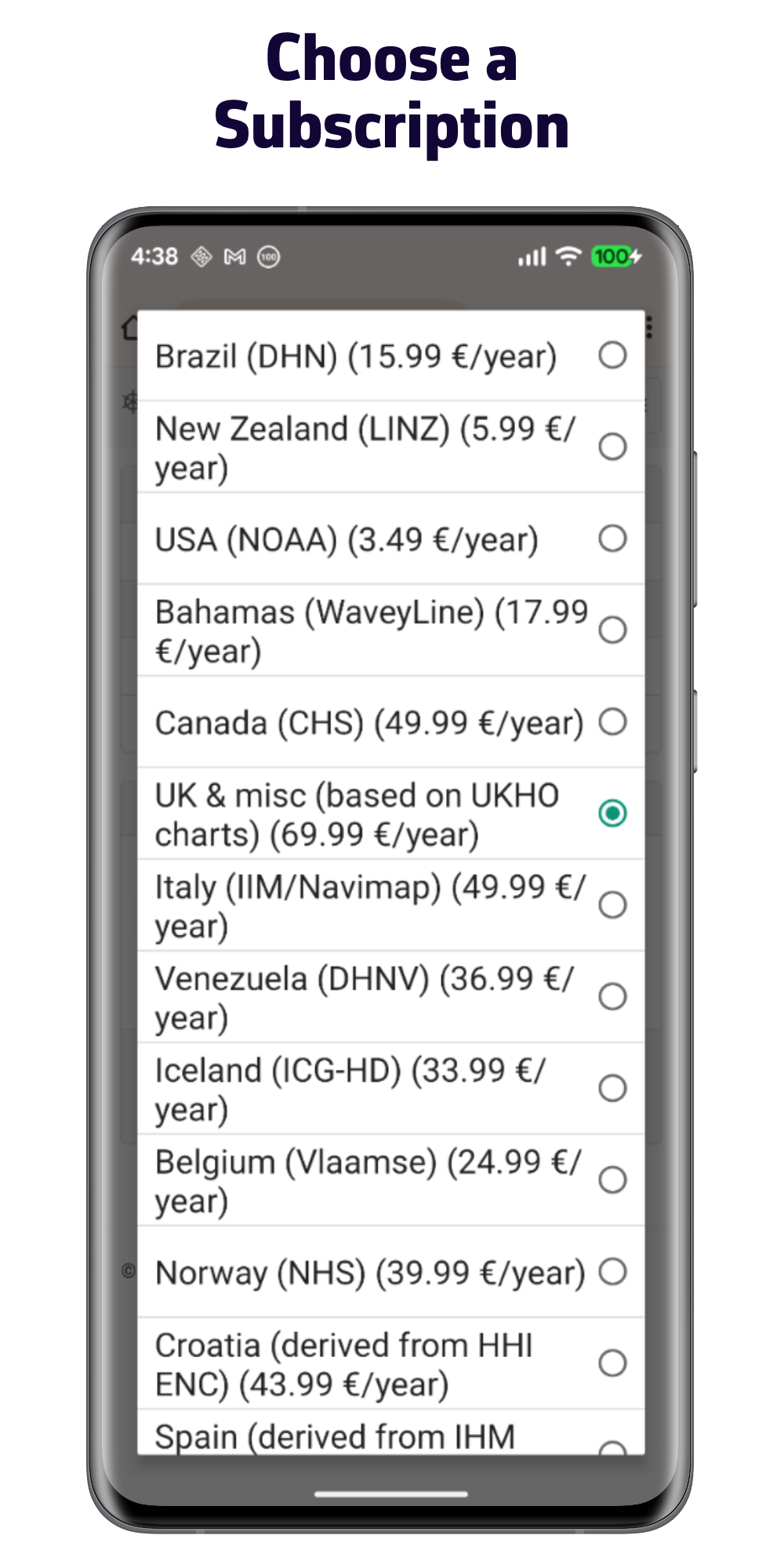
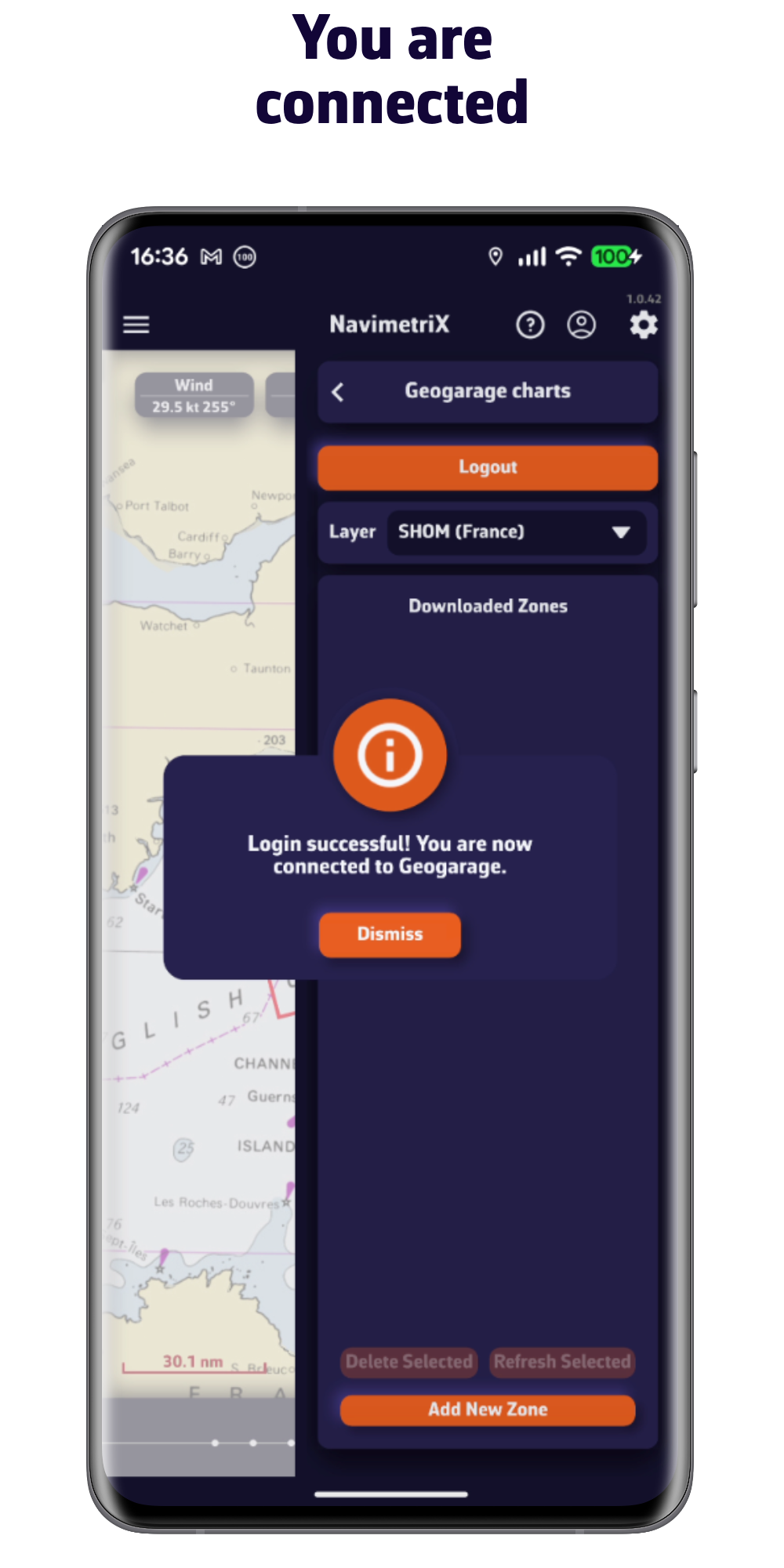
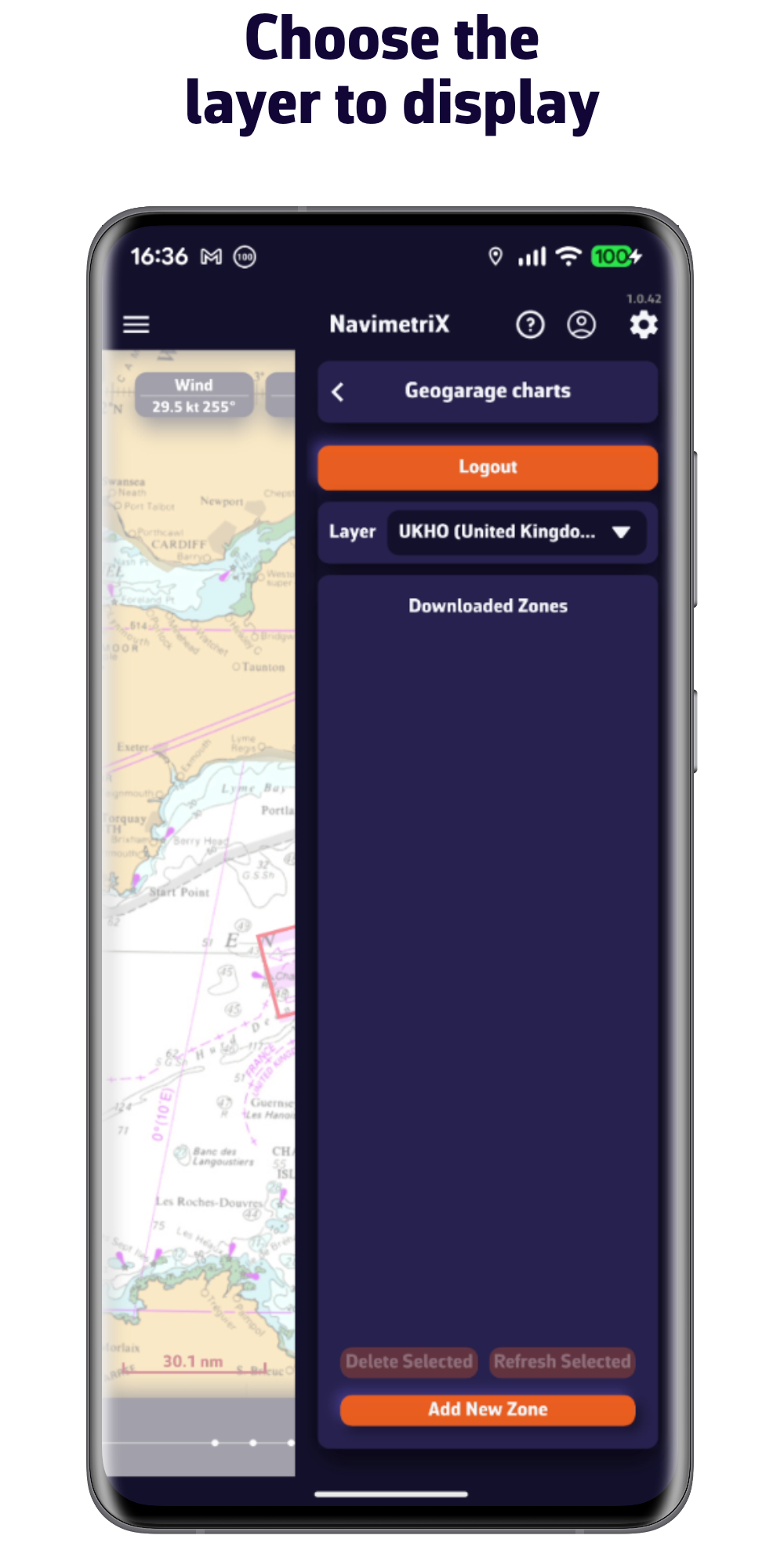
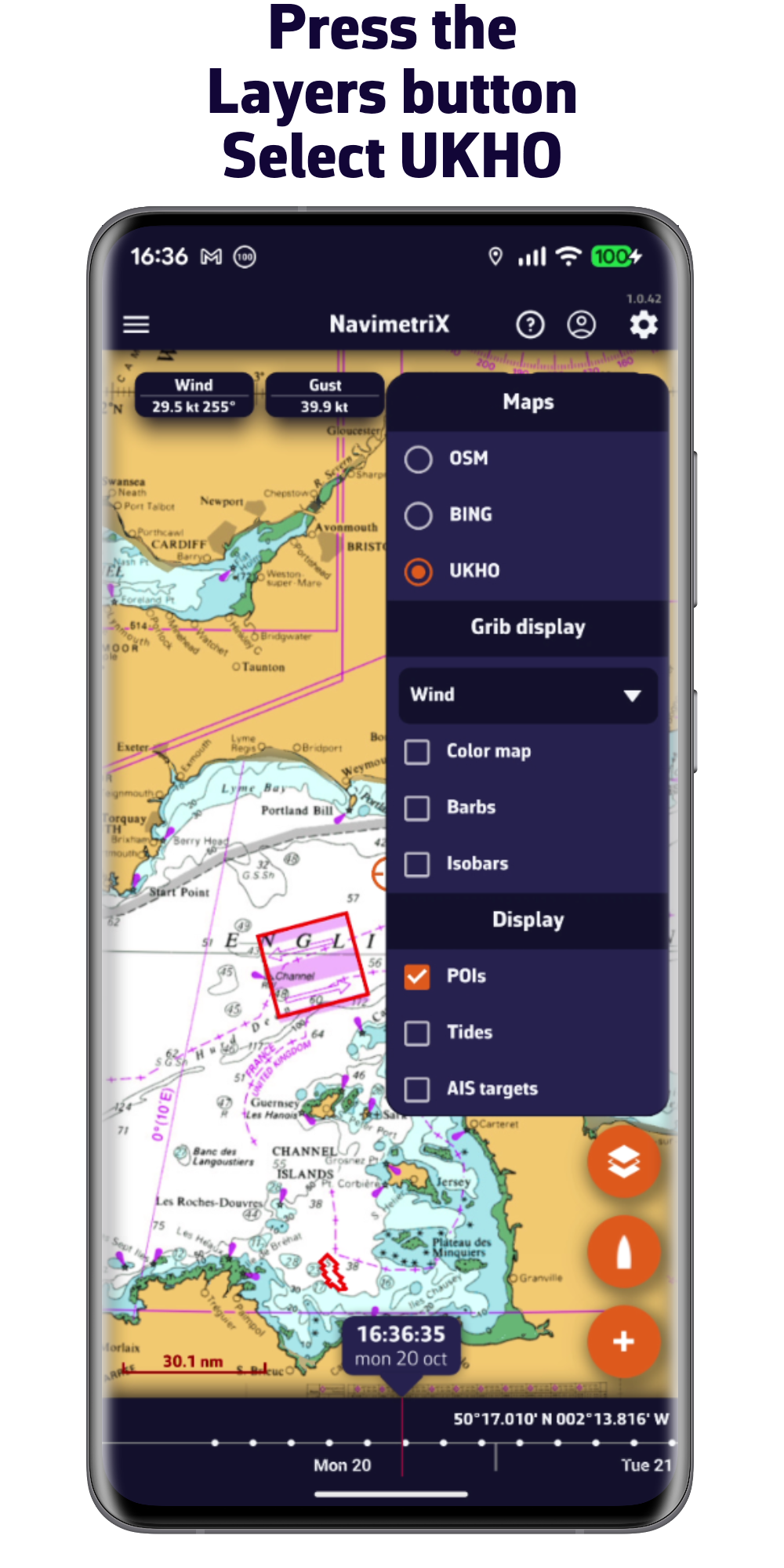
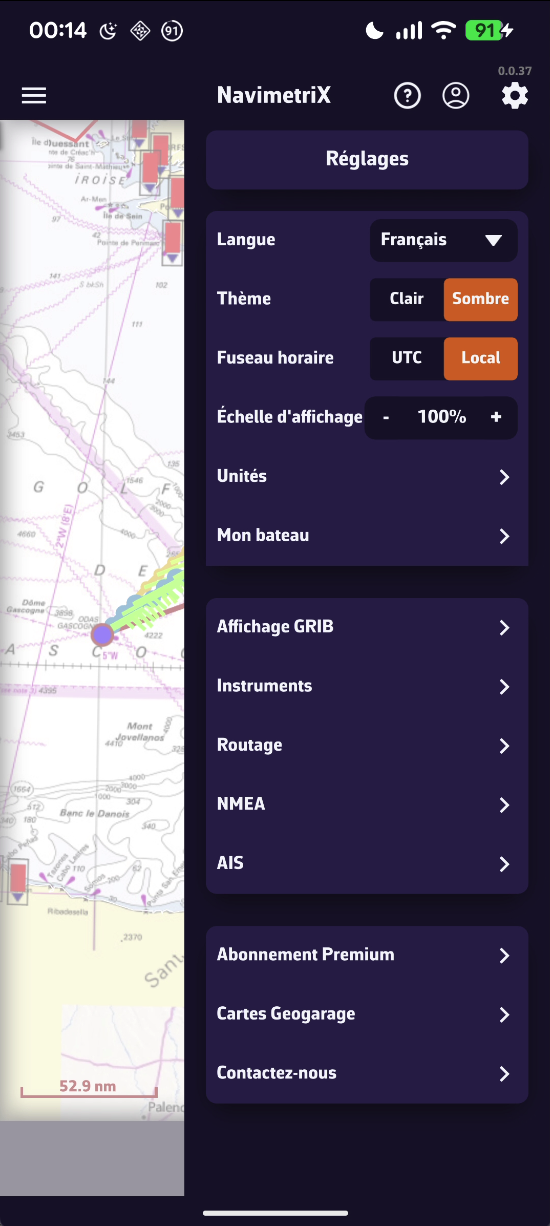
1/ Sail using your phone or tablet's GPS
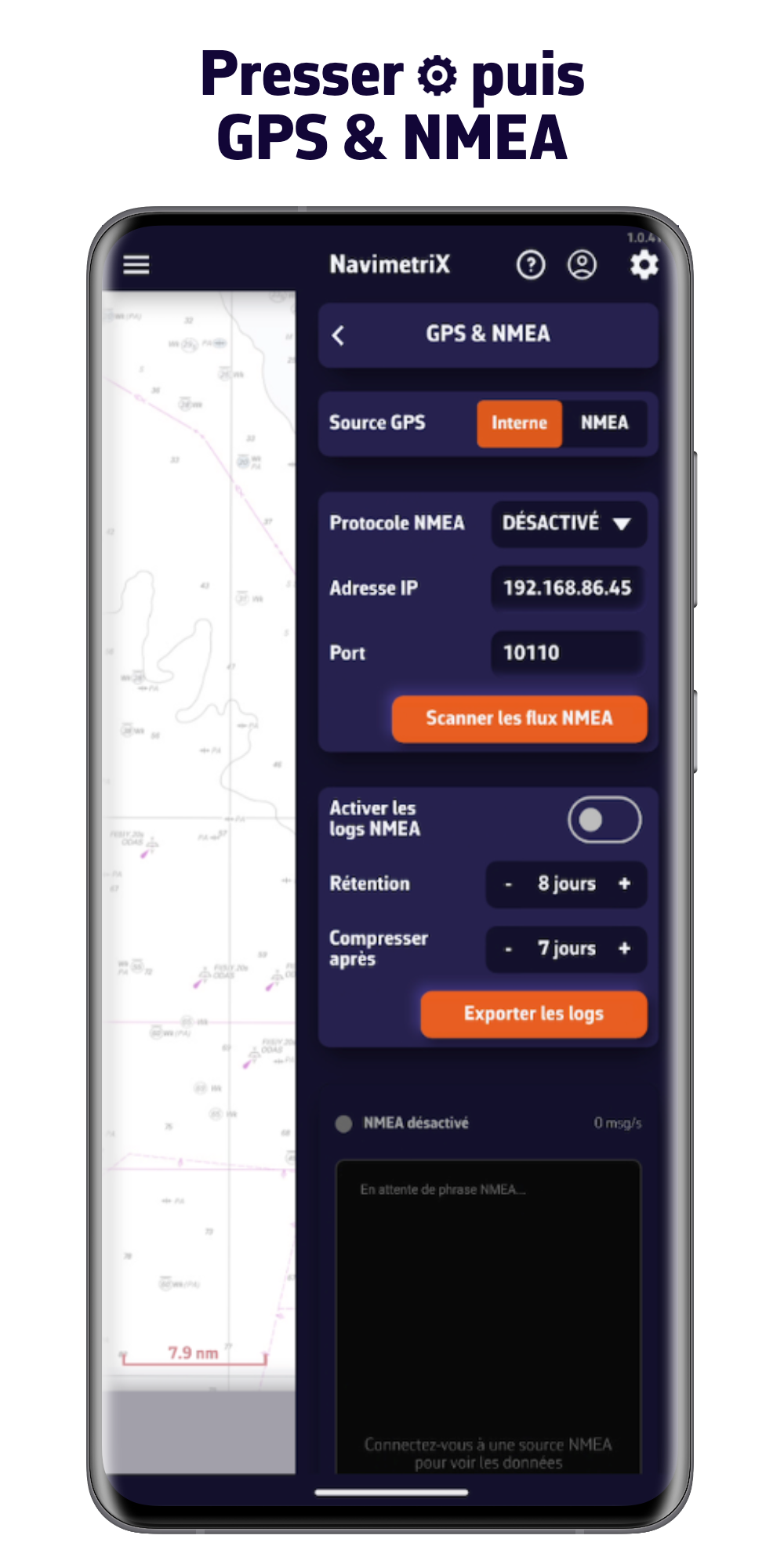
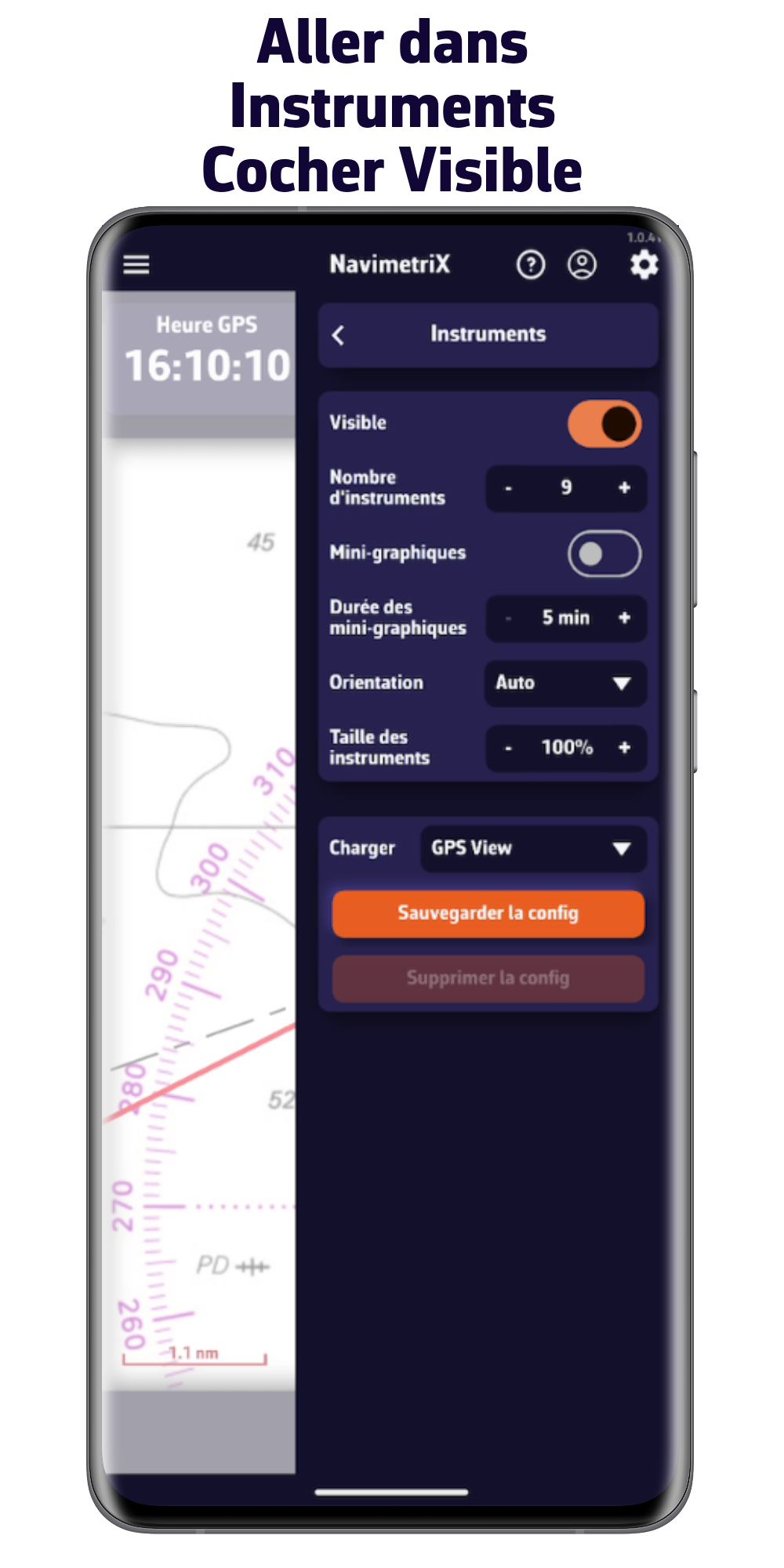
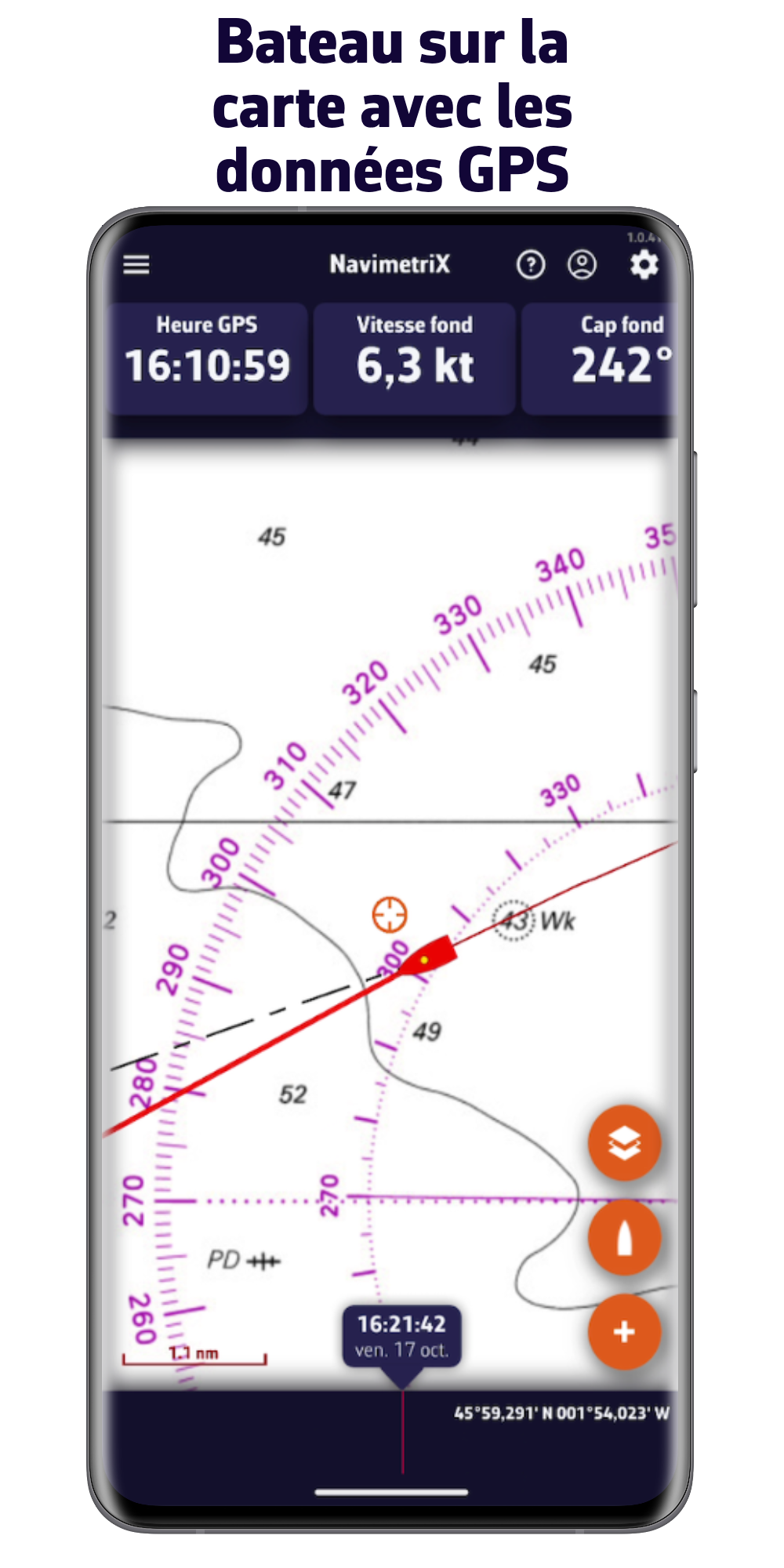
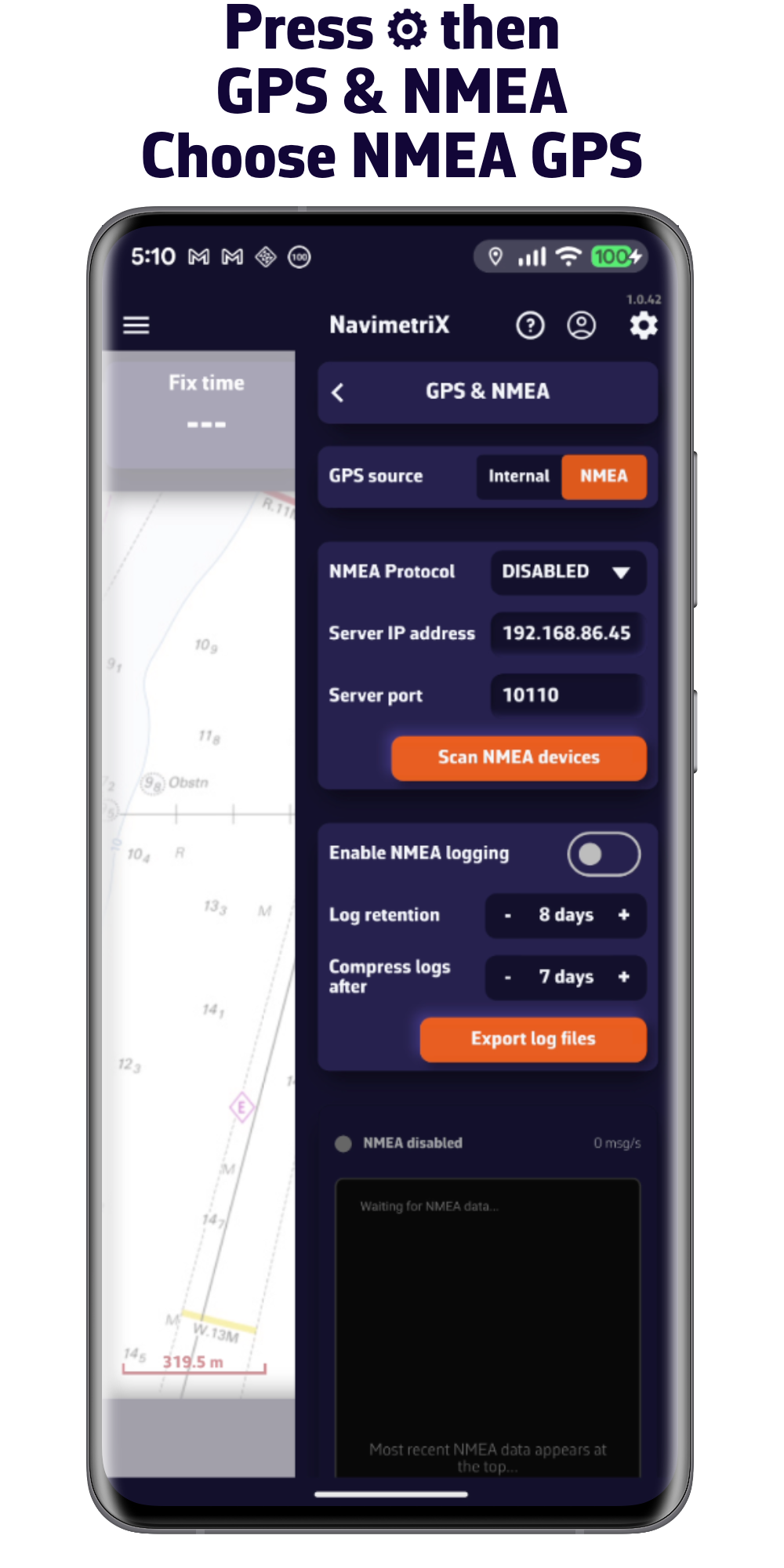
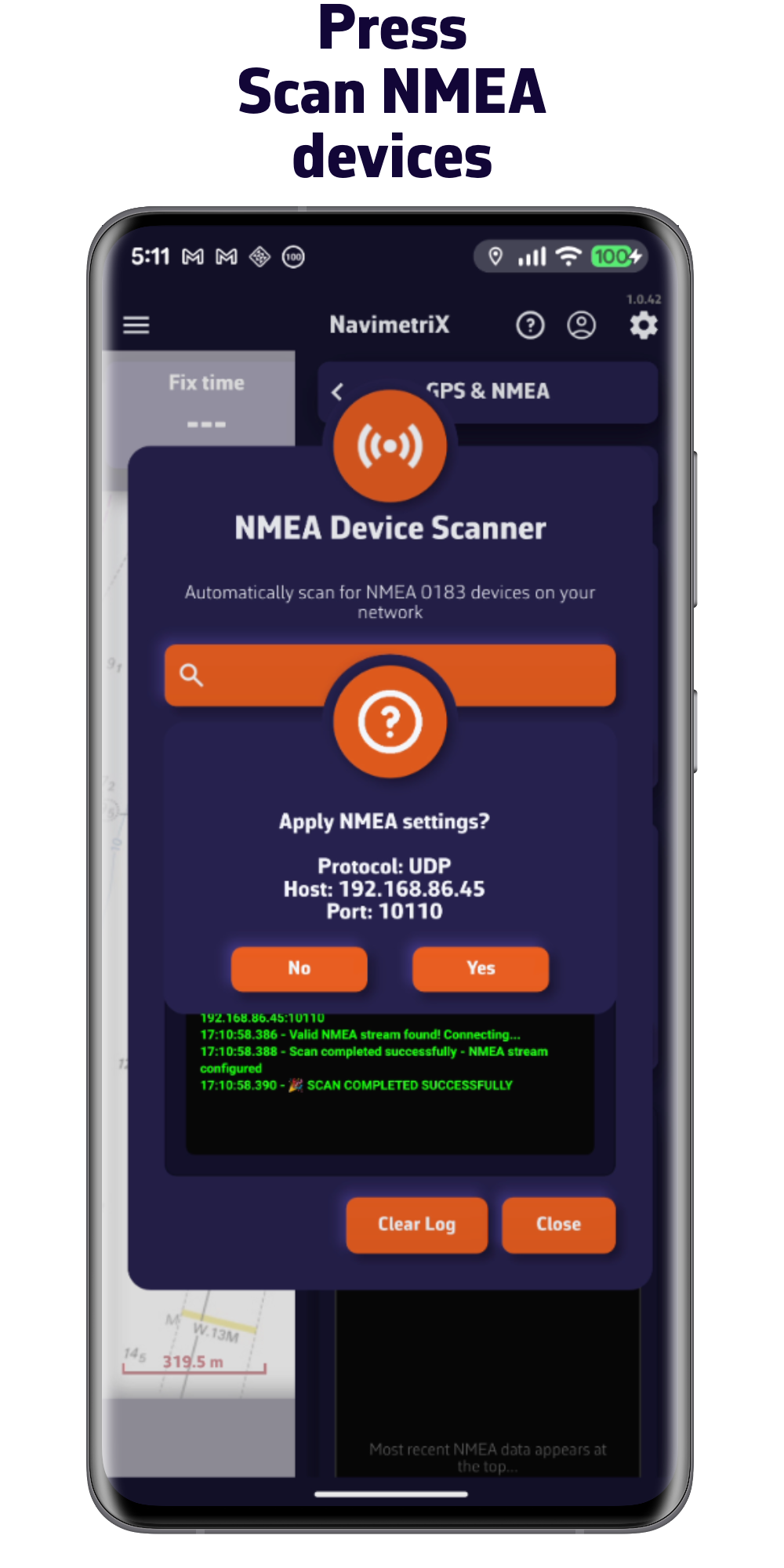
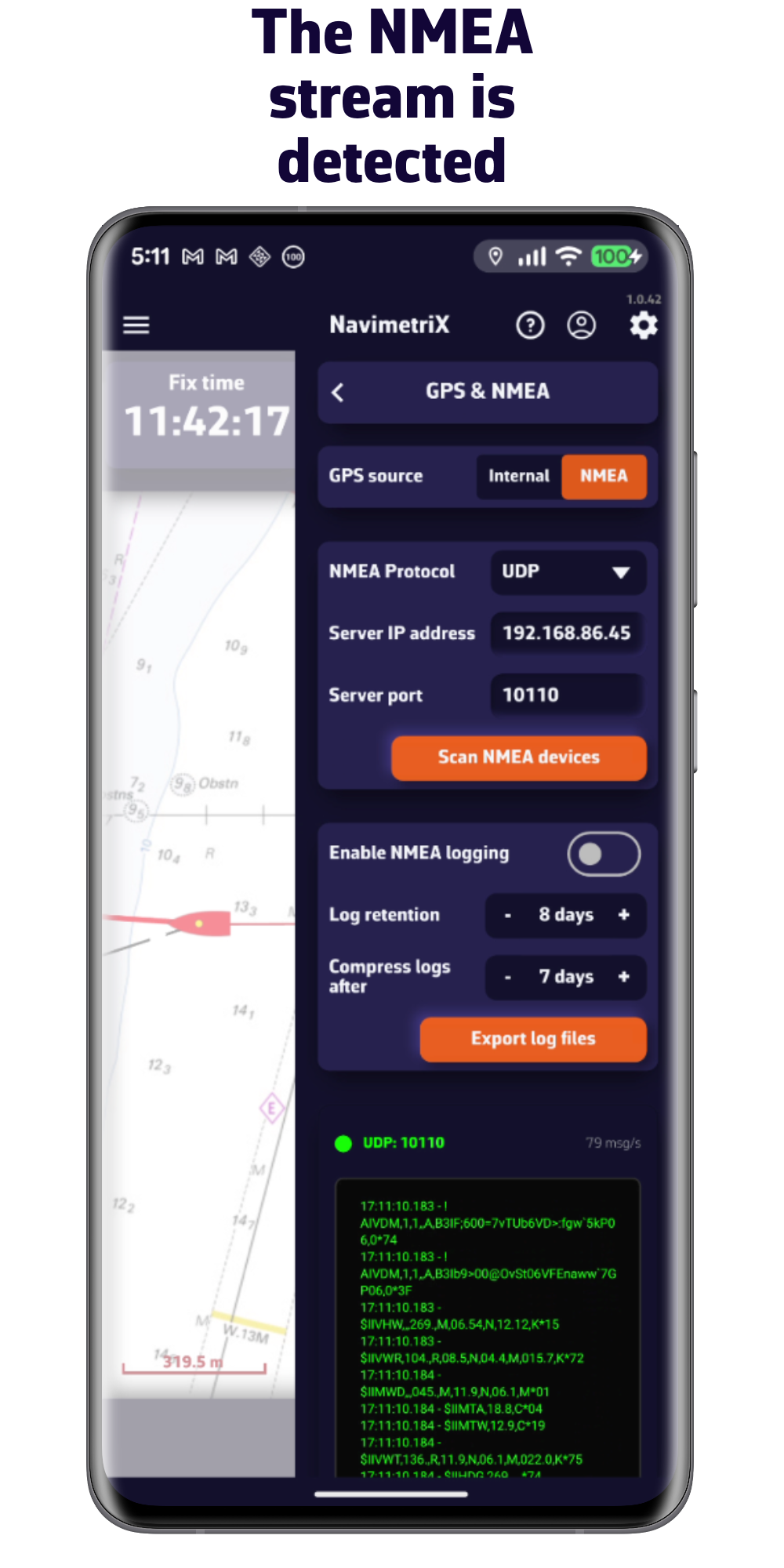
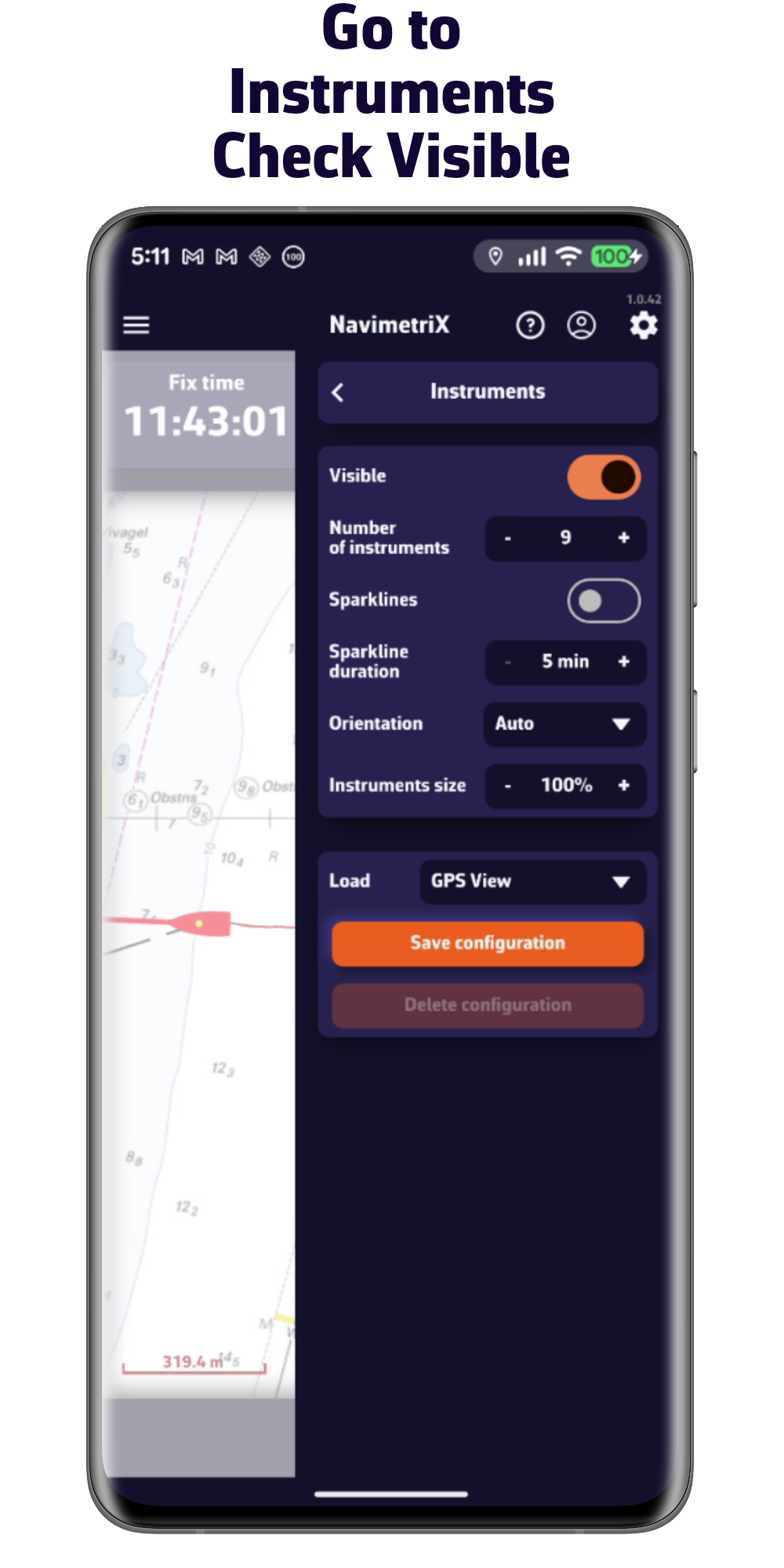
2/ Sail using NMEA data from the onboard instruments
Important: Make sure you are connected to the Wi-Fi network broadcasting the NMEA 0183 data.
Download NavimetriX

V1.12.88

V1.12.89

V1.12.88
V1.13.91

V1.12.88

V1.12.88